Code AI Tools
66 toolsCoding assistants and dev tools
Showing 66 tools
























What are code AI tools?
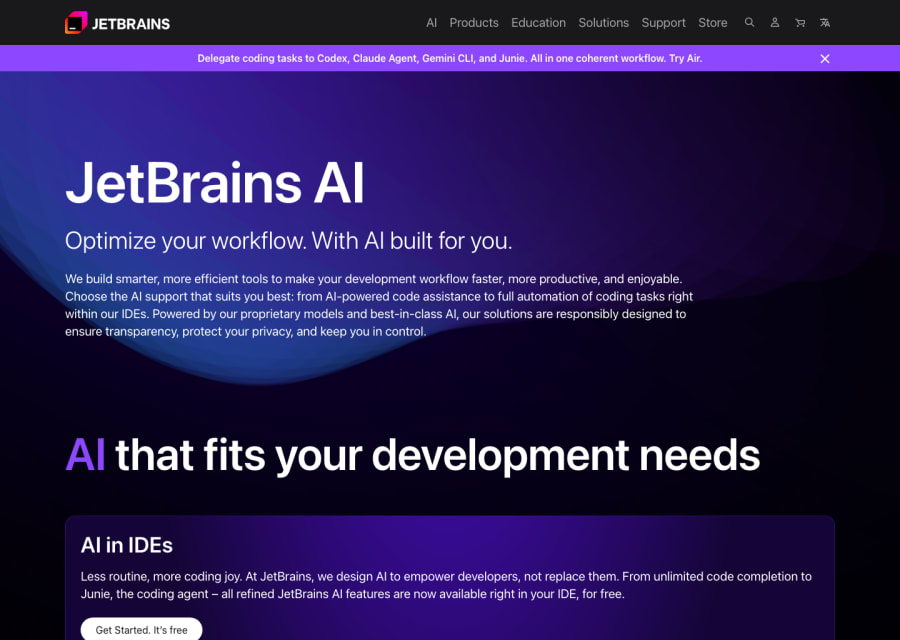
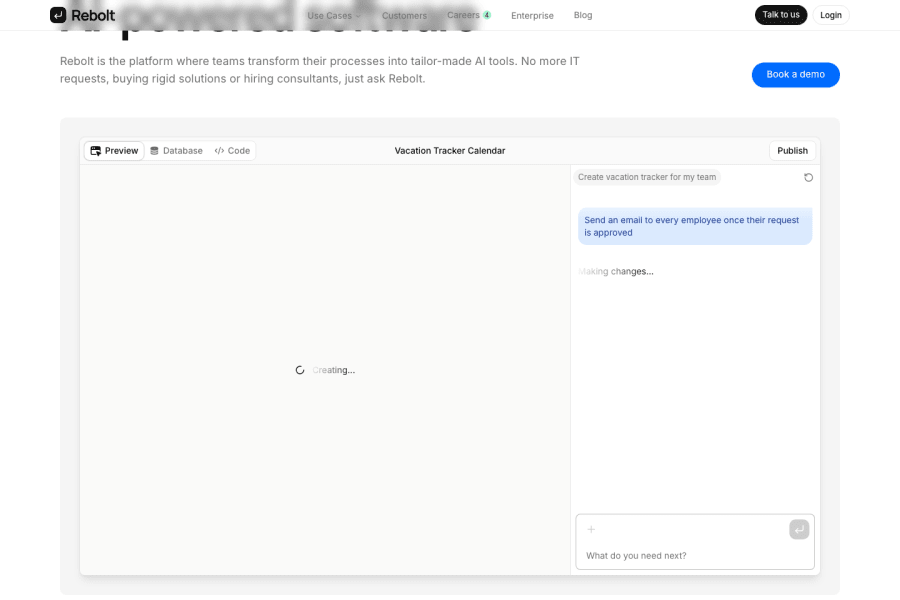
Code AI tools have changed the day-to-day experience of software development more than anything since the introduction of modern IDEs. What started as simple autocomplete has evolved into tools that can understand your entire codebase, explain legacy code, write tests, suggest architectural improvements, refactor across multiple files simultaneously, and even ship full features from natural language descriptions. This category covers the full range of developer AI: IDE-native assistants that work inside VS Code, JetBrains, or Neovim without changing your workflow, standalone AI code editors that replace the traditional development environment entirely, terminal and CLI tools that help with scripting and infrastructure, and browser-based environments for rapid prototyping and collaboration. The best tools in this category are used daily by engineers at every level — from students writing their first functions to senior engineers managing complex distributed systems.
Software development has always been a leverage business — the best engineers are not just faster, they are architecturally clearer and make better decisions under uncertainty. AI coding tools extend that leverage to the whole team. Junior engineers can write production-quality code faster with less review overhead. Senior engineers can spend less time on boilerplate and implementation details, focusing instead on system design and hard problems. Teams can move from idea to working prototype in hours instead of days. The gains are not hypothetical — studies consistently show 20–50% productivity improvements for common coding tasks, and the tools are only getting better.
How to choose the right AI coding tool for your stack and workflow
Common questions about code AI tools
What are AI coding tools actually useful for in professional development work?
In practice: writing boilerplate and repetitive patterns quickly, generating tests for existing functions, explaining unfamiliar codebases, suggesting fixes for bugs with error context, writing documentation and inline comments, refactoring code to follow conventions, converting code between languages, and acting as an always-available senior reviewer for implementation questions. The highest-leverage use is usually explaining and refactoring existing code rather than generating from scratch.
Will AI coding tools replace software engineers?
No — and the trajectory of the past three years strongly suggests the opposite. As AI coding tools have become more capable, demand for engineers who can work effectively with them has increased. The tools replace specific tasks, not the judgment required to build reliable software systems. The engineers who learn to use these tools as a force multiplier tend to outpace those who resist them significantly.
What is the difference between GitHub Copilot and tools like Cursor?
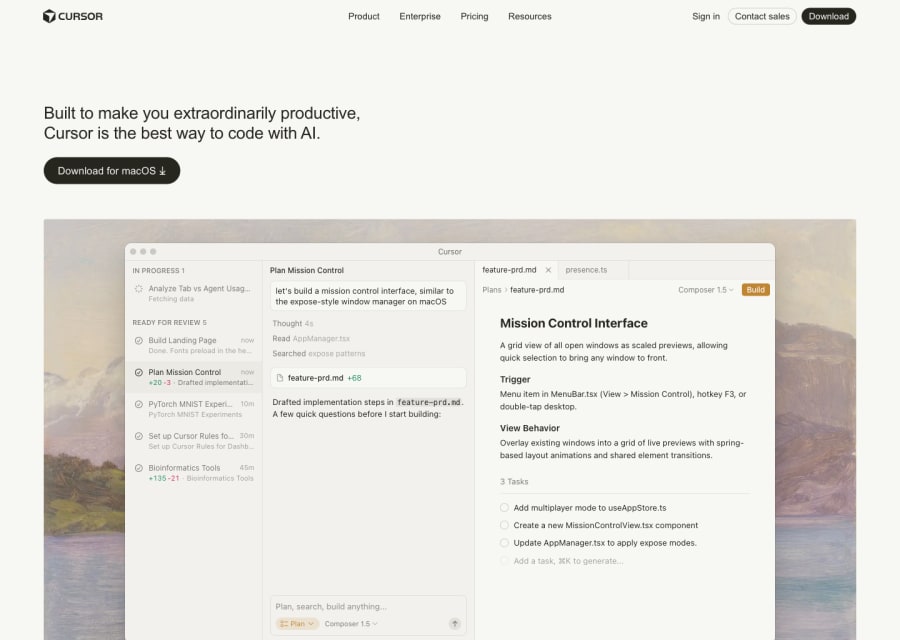
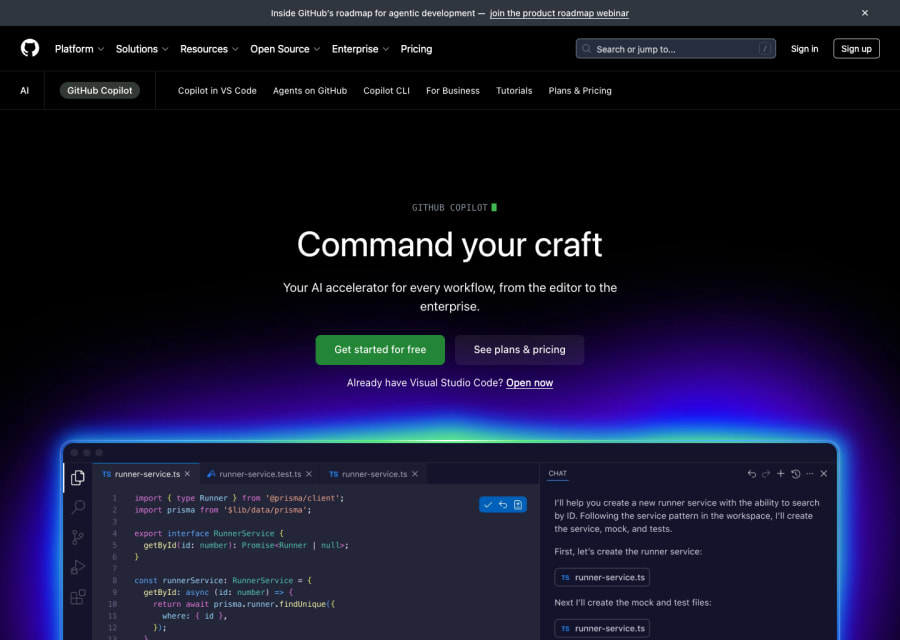
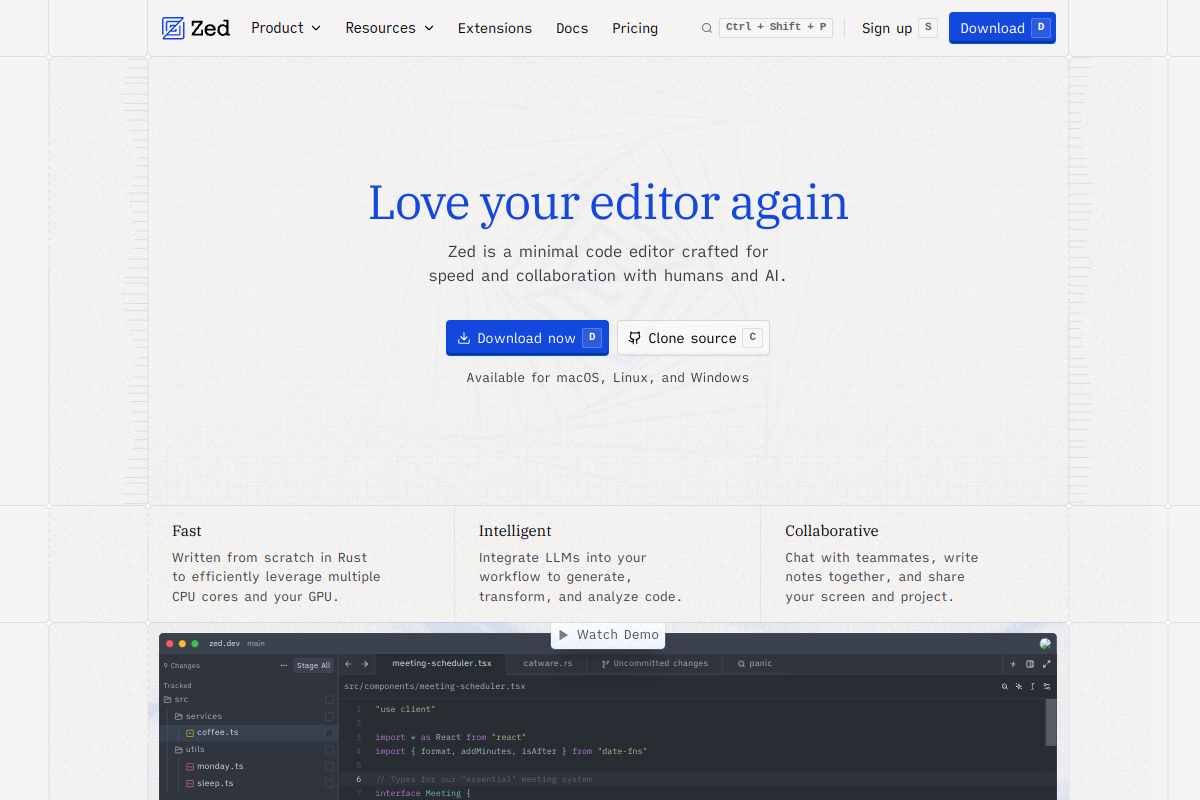
GitHub Copilot operates as an extension inside your existing editor, offering inline completions, a chat panel, and basic multi-file suggestions. Cursor is a full editor (a fork of VS Code) where AI is deeply integrated into every feature — it can read your entire codebase, handle complex cross-file edits, apply changes suggested in chat directly to your files, and manage larger agentic coding tasks. The right choice depends on how deeply you want AI involved: Copilot is lower friction, Cursor is higher capability.
Are AI coding tools safe for enterprise use?
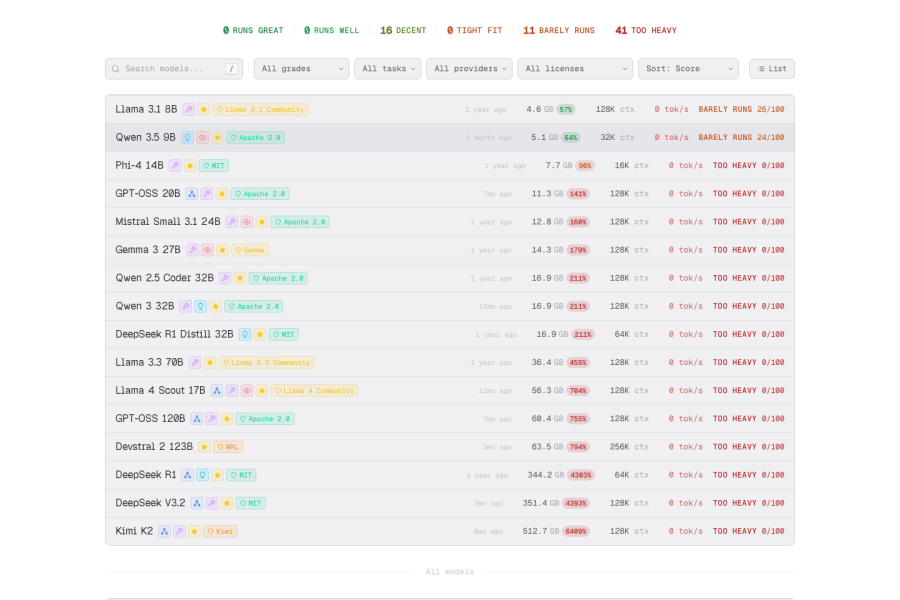
Many are, with the right setup. GitHub Copilot Enterprise, Cursor Business, and several others offer enterprise plans with data privacy controls, audit logs, and options that prevent code from being used to train models. Open-source model deployments (like tools running on local or private cloud infrastructure) are an option for teams with strict data requirements. Always verify data handling terms against your company's security and compliance requirements.
How do I get the most out of an AI coding tool?
The biggest productivity gains come from learning to write good context rather than good prompts. Provide the AI with relevant files, clear intent, and constraints upfront. Review what it produces carefully rather than accepting outputs uncritically — especially for security-sensitive or complex logic. Use it for explanation and review as much as generation. And iterate: the best developers using AI tools treat them as a pair programmer, not a vending machine.