Video AI Tools
84 toolsAI video creation and editing
Showing 84 tools















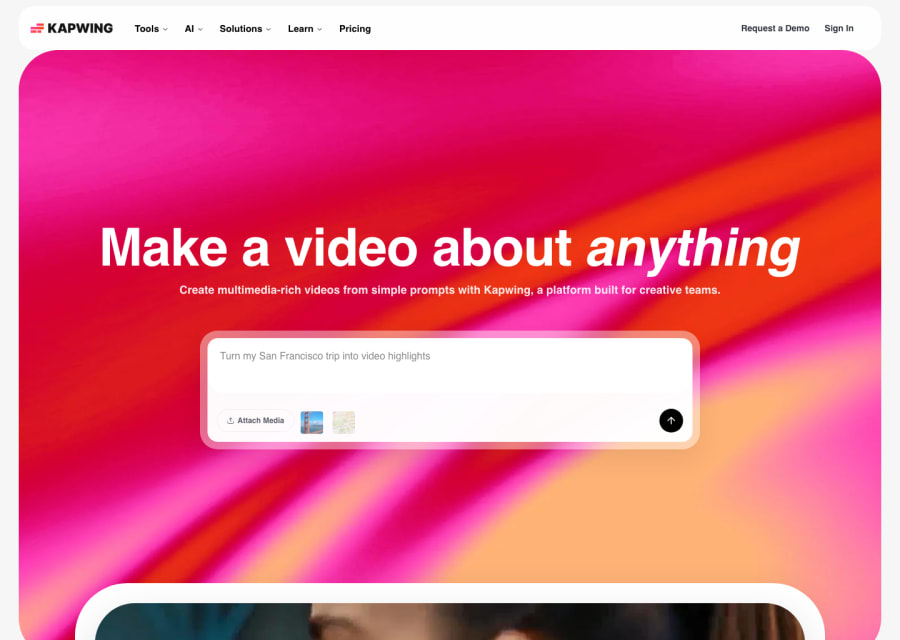

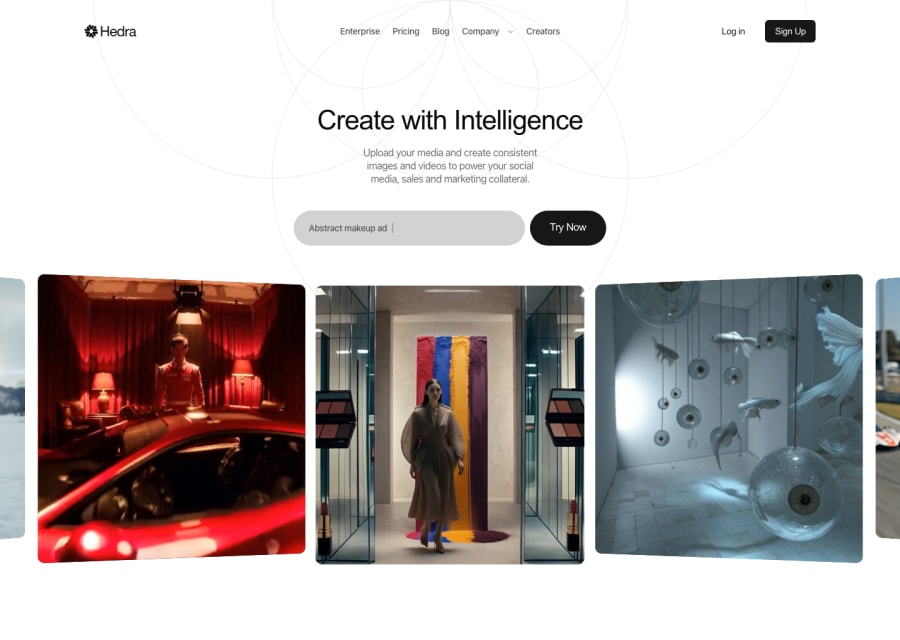
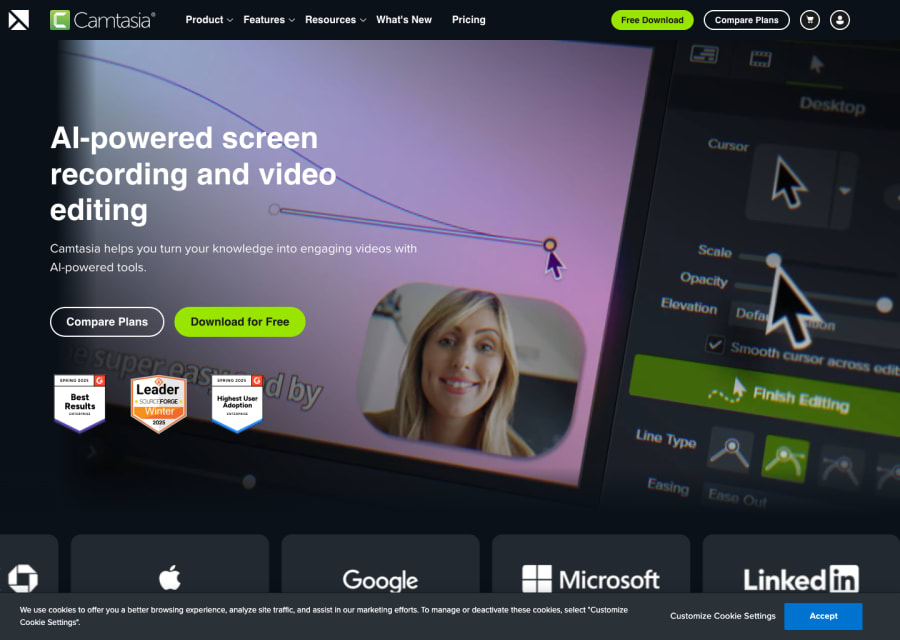

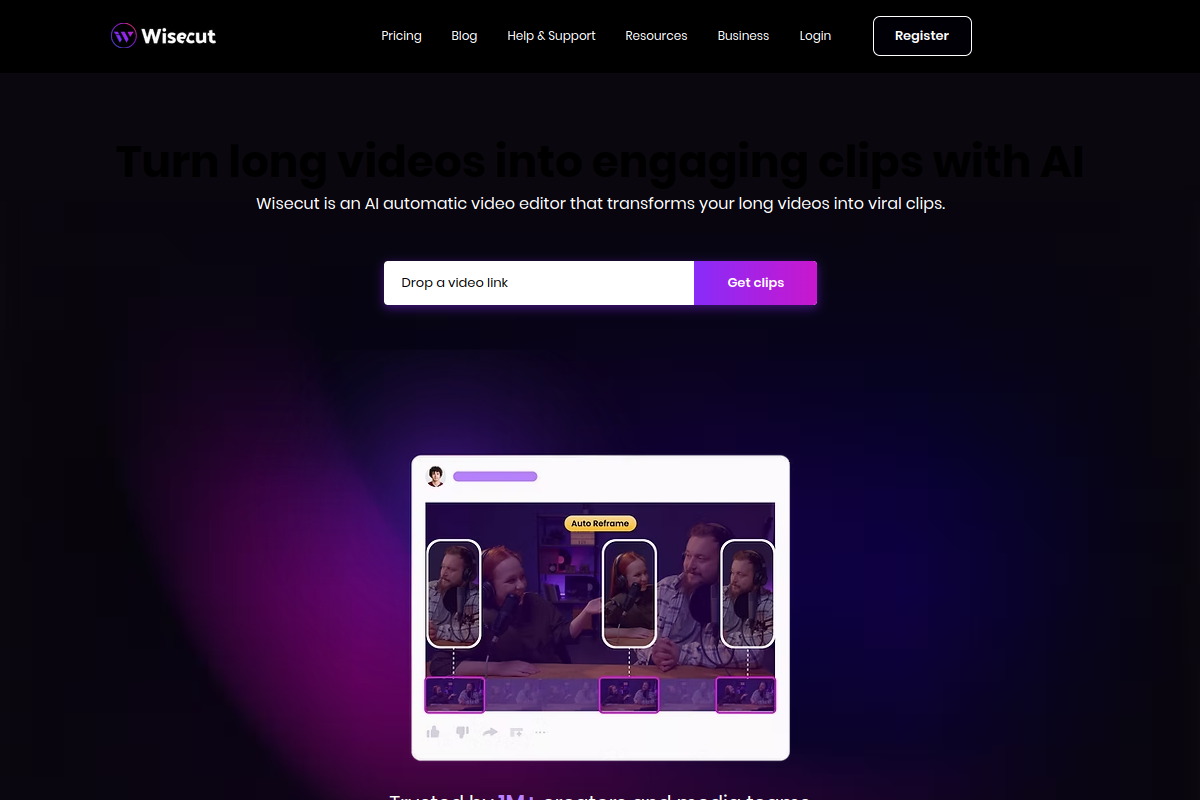













What are video AI tools?
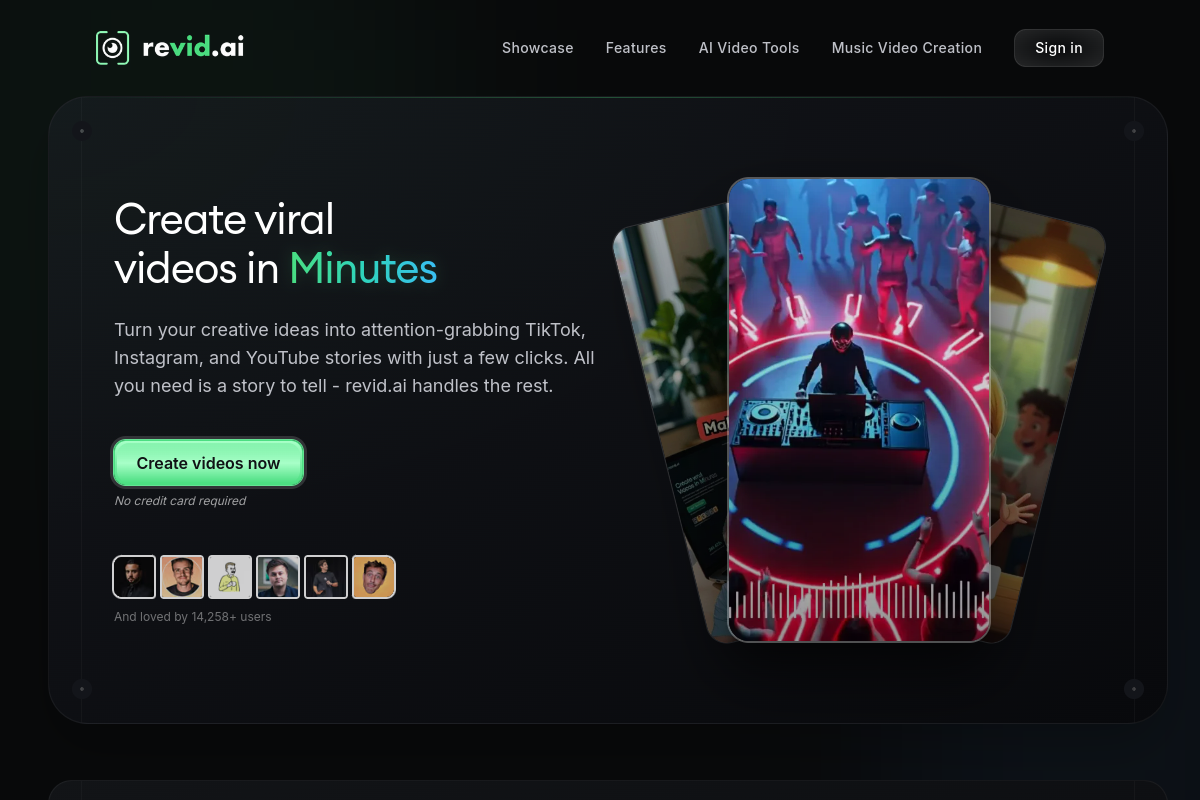
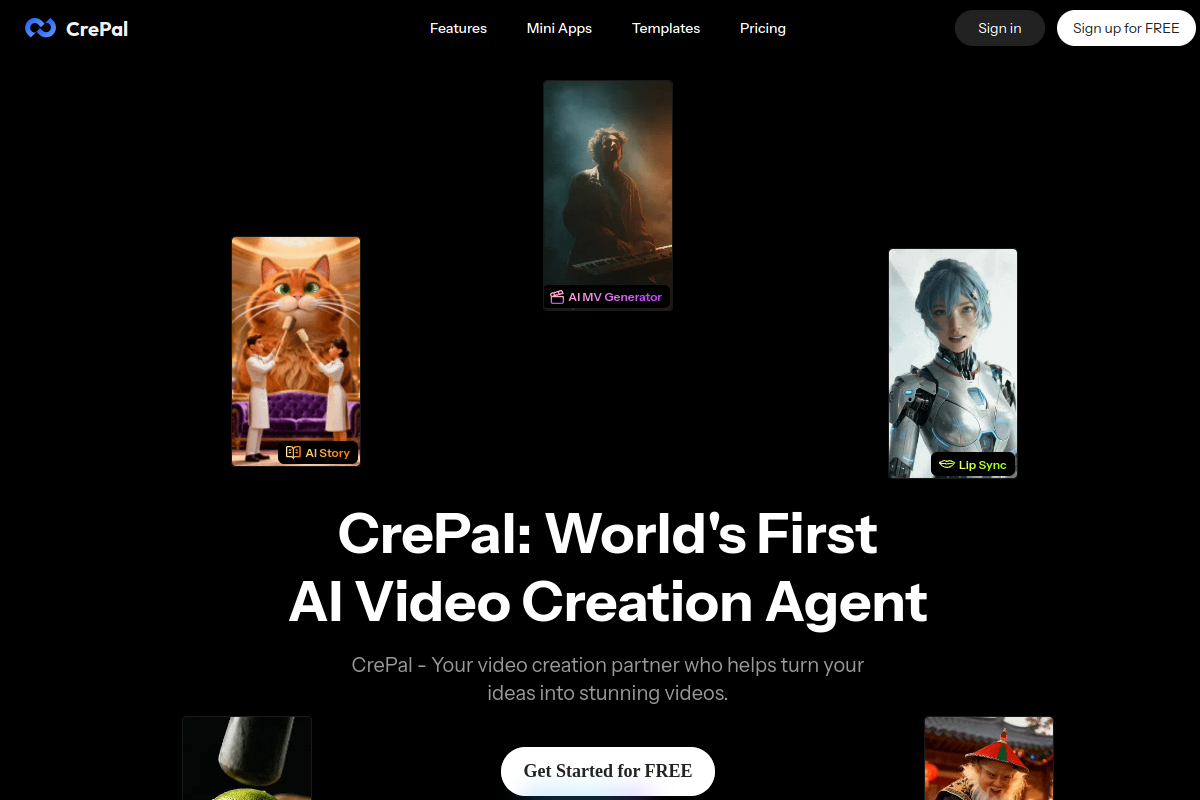
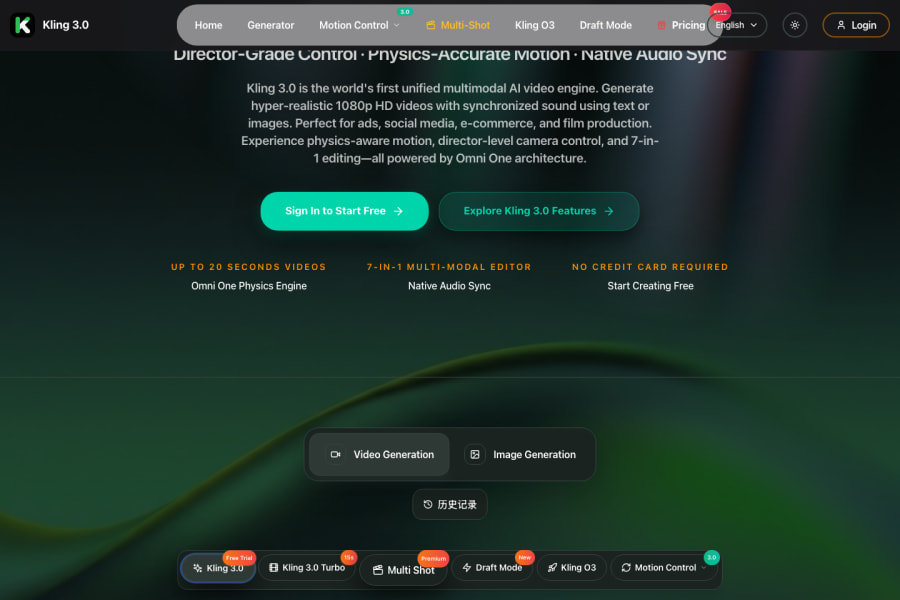
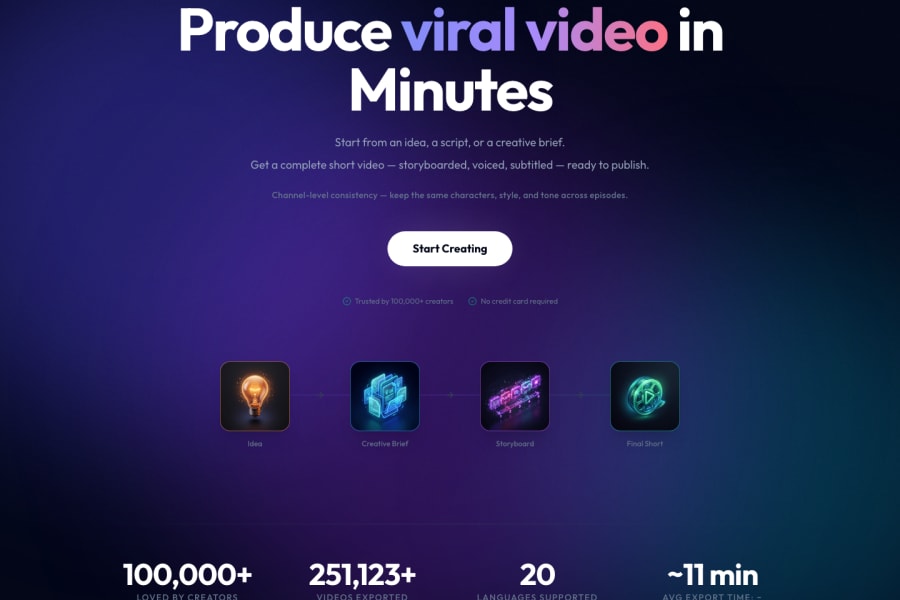
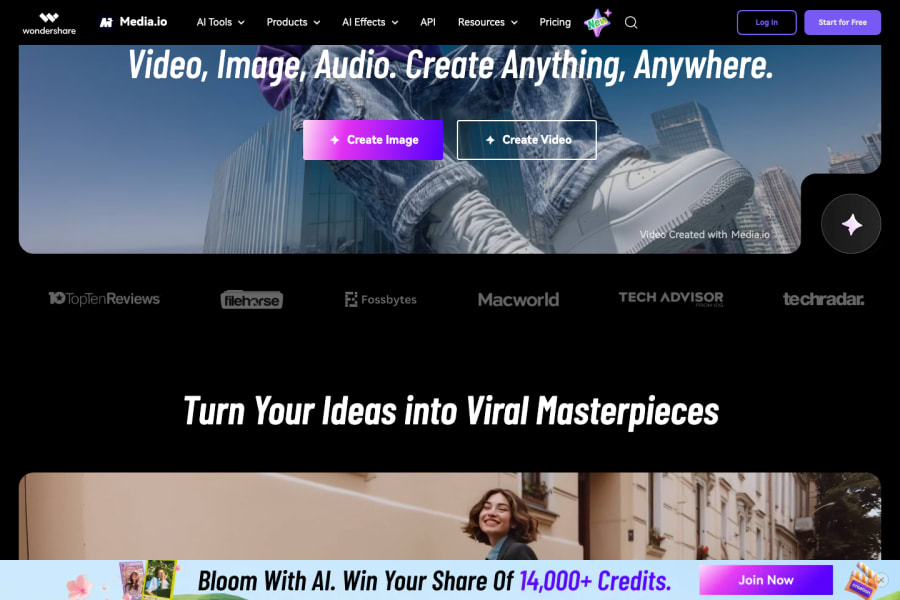
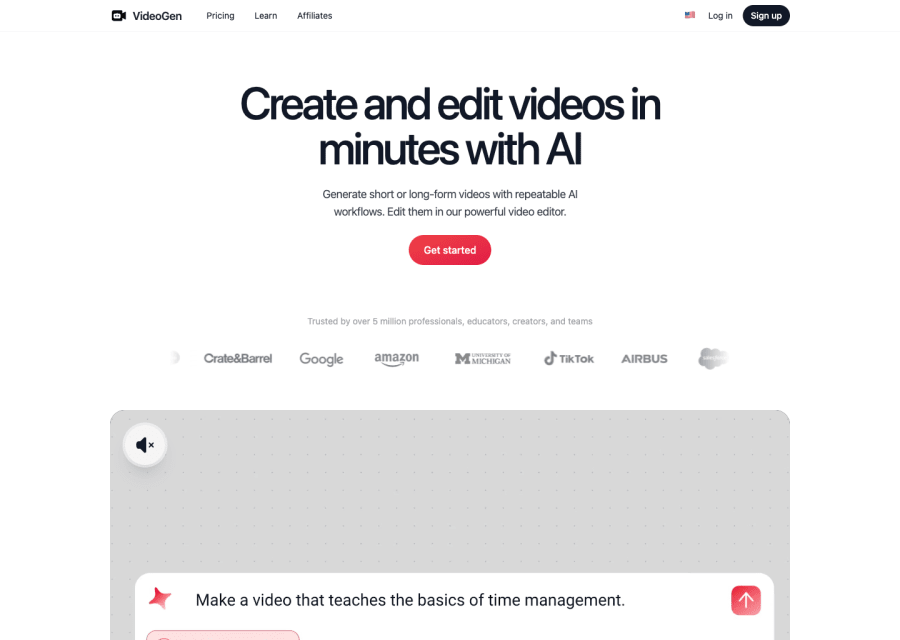
Video has always been the hardest type of content to produce well — it demands the most equipment, the most time, the most skill, and the most budget. AI is changing that equation faster than almost any other category. Video AI tools now span an impressive range: text-to-video systems that generate entire visual scenes from a written prompt, avatar platforms that let you produce a polished presenter-style video without a camera or studio, AI video editors that handle the repetitive work of cutting, captioning, and cleaning up footage, dubbing tools that translate a video into another language with matching lip sync, and generative tools that can extend, fill, or stylise existing footage in ways that were simply impossible three years ago. The result is that small teams and individual creators can now produce video at a volume and quality that previously required a full production operation.
Video is the highest-engagement content format on almost every platform, but it has historically been gated by production cost. A well-produced explainer video could cost thousands of dollars and take days. A training programme with fifty modules was a major project. Localising a product demo for five markets meant five separate recording sessions. AI video tools are systematically removing those barriers. The teams that adopt them early are producing more video, reaching more markets, and shipping faster — not because they have more resources, but because the tools have compressed what used to take a week into what now takes an afternoon.
How to choose the right video AI tool for your content goals
Common questions about video AI tools
What are AI video tools most useful for in professional workflows?
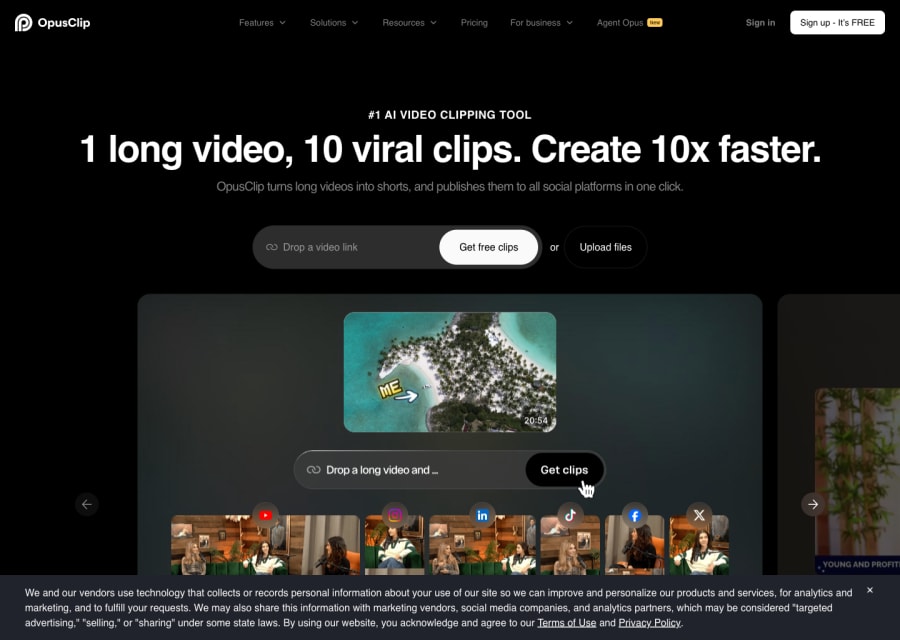
The highest-impact use cases are: producing explainer and training videos at scale without a film crew, localising video content into multiple languages with AI-synced voiceovers, auto-generating captions and subtitles to improve accessibility and reach, removing silences and filler words from recorded footage automatically, creating short-form social content from longer recordings, and generating concept videos and storyboards before a production budget is committed. Teams that produce regular video content see the largest efficiency gains.
How good are AI-generated avatar videos for business use?
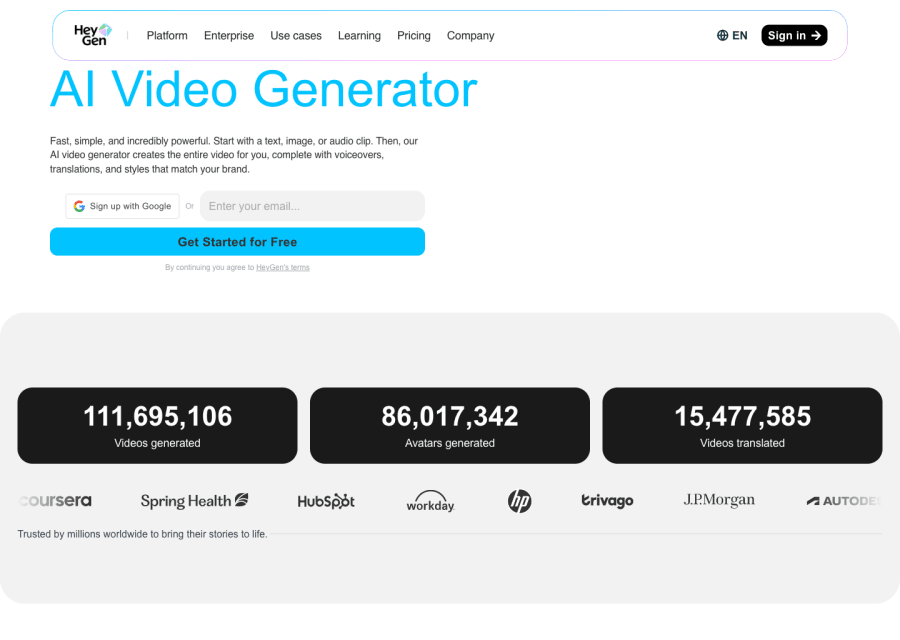
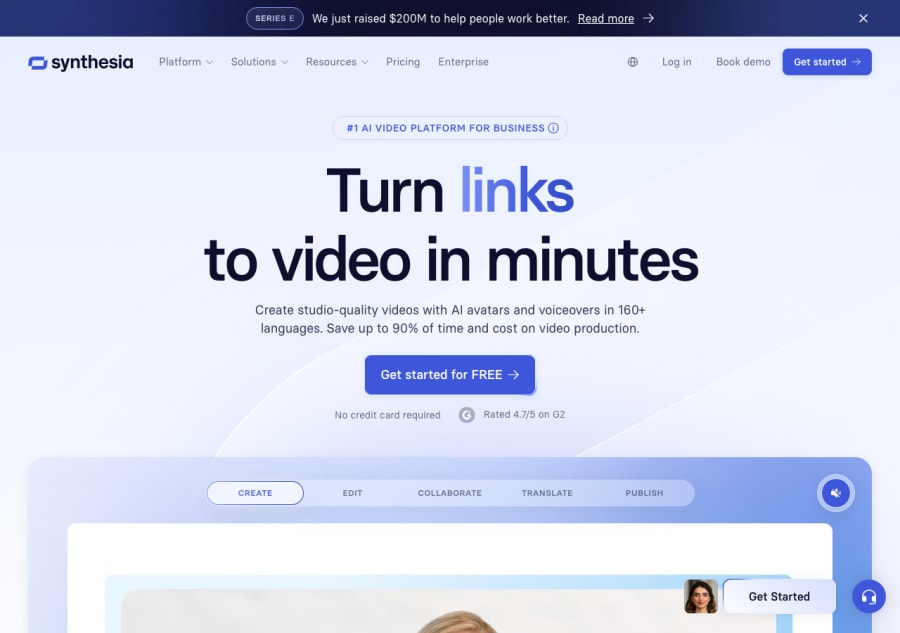
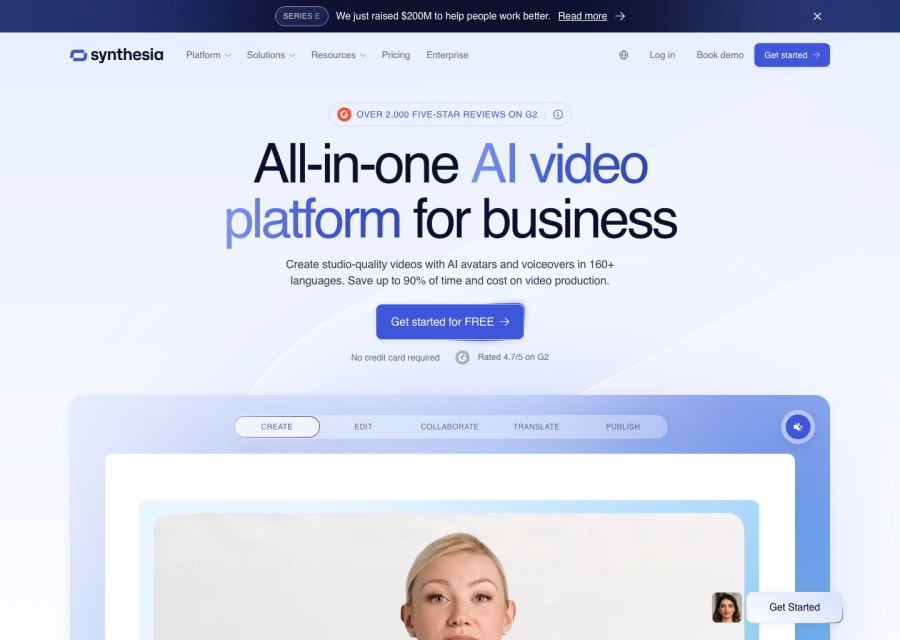
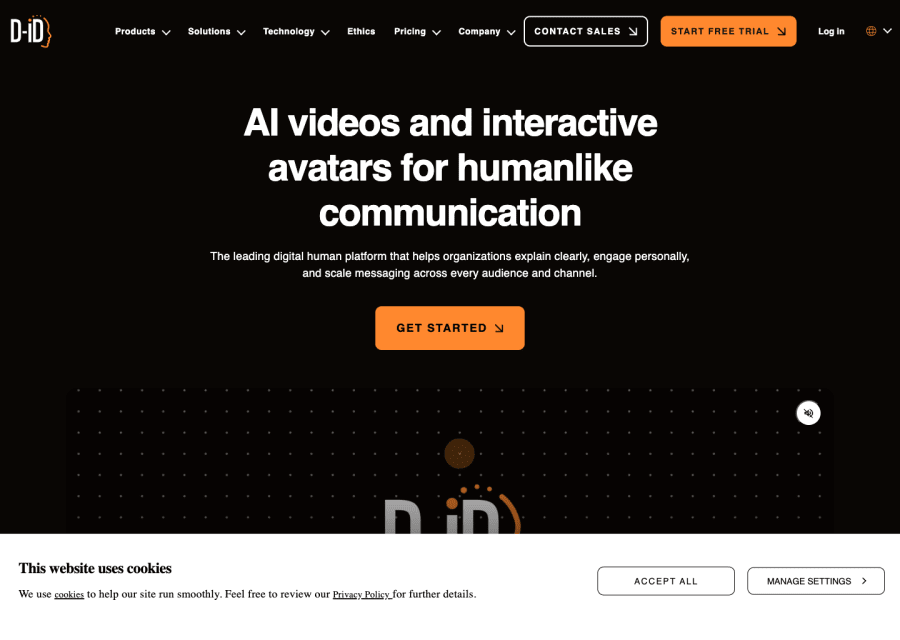
For most corporate use cases — training, onboarding, internal communication, product walkthroughs — they are genuinely good enough and often significantly better than "talking head" videos recorded in poor home office conditions. The avatars produced by HeyGen and Synthesia are convincing at normal viewing sizes on standard screens. They are less suited for content where personal authenticity, emotion, or trust is the primary goal — executive communications, customer testimonials, or sensitive HR topics.
Can text-to-video tools generate realistic videos from a description?
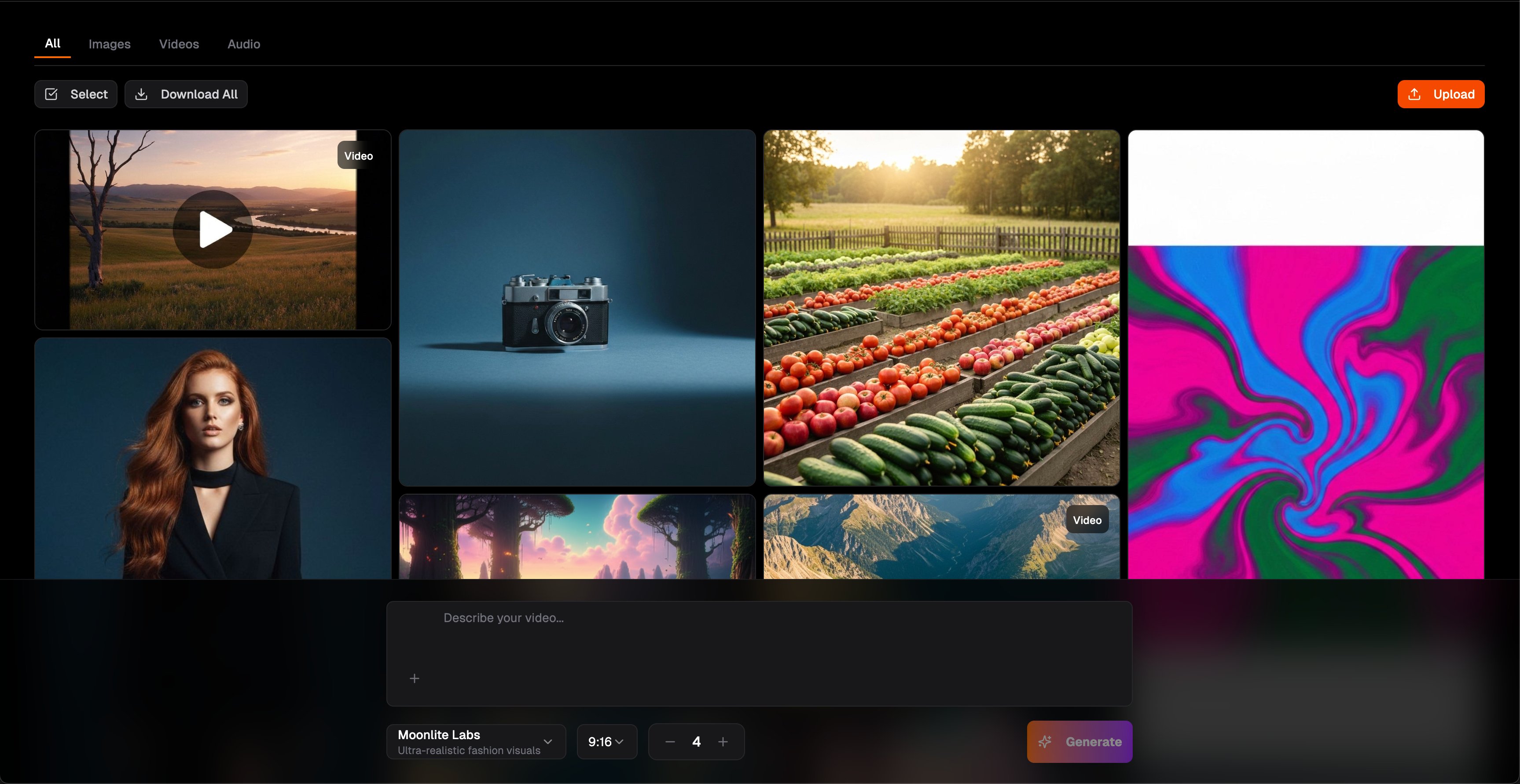
They can generate impressive-looking short clips, particularly for abstract, atmospheric, and natural imagery. Consistent human characters, complex narrative scenes, and branded or specific-looking environments remain challenging. The quality has improved dramatically in the past 12 months and will continue improving. The best current approach is to use generative video for B-roll, concept footage, and visual accents rather than expecting fully scripted narrative scenes from a single prompt.
What is the most time-saving AI video feature for content creators?
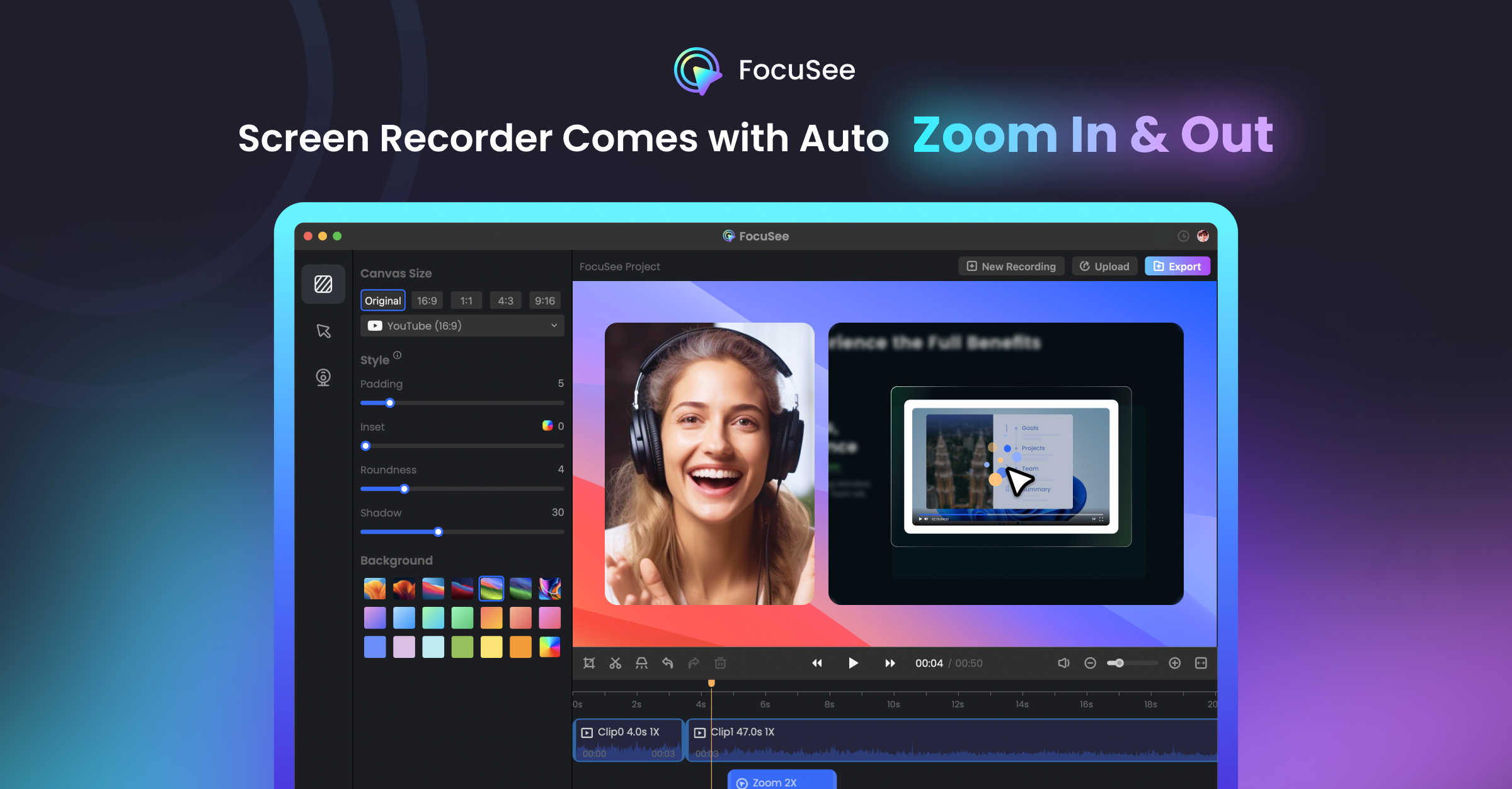
For most creators, transcript-based editing and auto-captioning are the highest-impact features. Being able to delete filler words, rearrange content, and clean up a recording by editing a text document rather than scrubbing through a timeline saves hours per video. Auto-captioning with high accuracy eliminates a tedious manual task. These features sound mundane compared to text-to-video generation, but they have an outsized impact on actual weekly production time.
How much does it cost to produce a professional-quality video with AI tools?
A polished two-minute explainer video can be produced for under $50 using avatar platforms, compared to the $2,000–$10,000 it would cost with a traditional production workflow. The cost depends on which tools you use, how many minutes of video you produce per month, and whether you are using a free tier or paid plan. Most tools charge per minute of generated video or per seat per month. Even at paid tiers, the cost-per-video is dramatically lower than traditional production.