Text AI Tools
99 toolsWriting, chatbots, summarization
Showing 99 tools







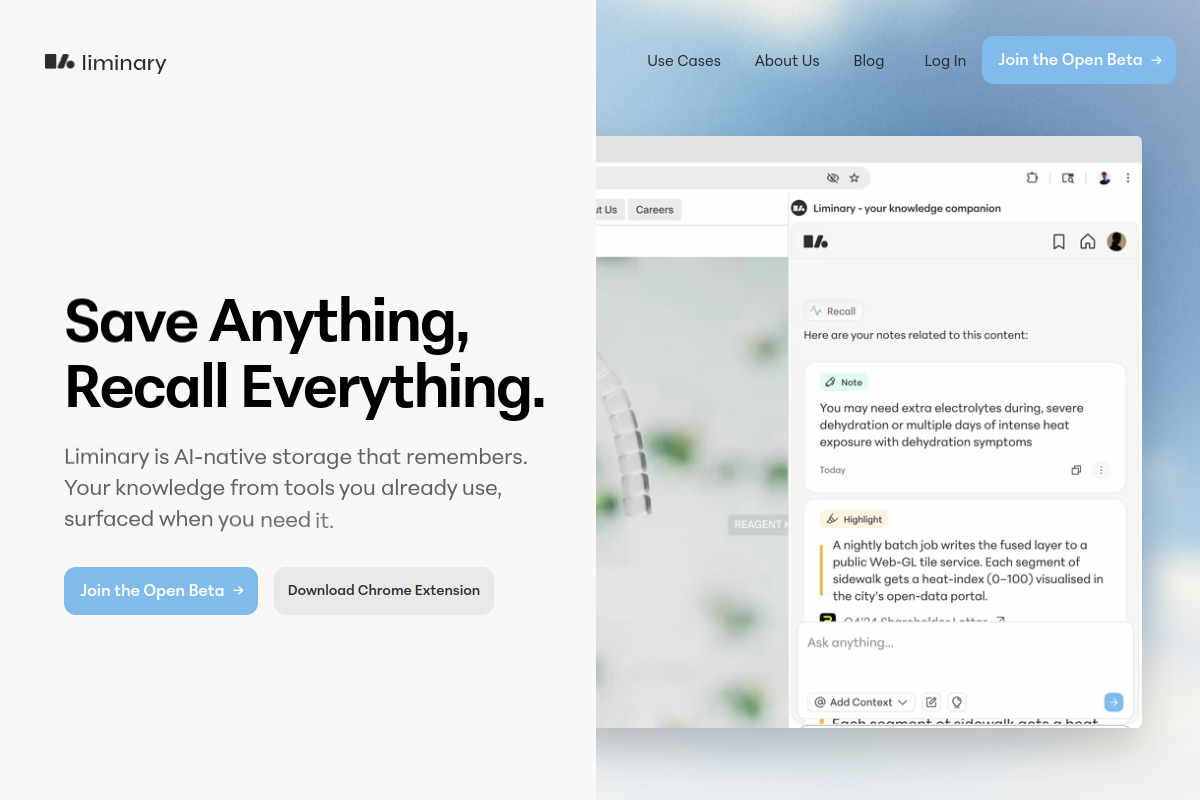
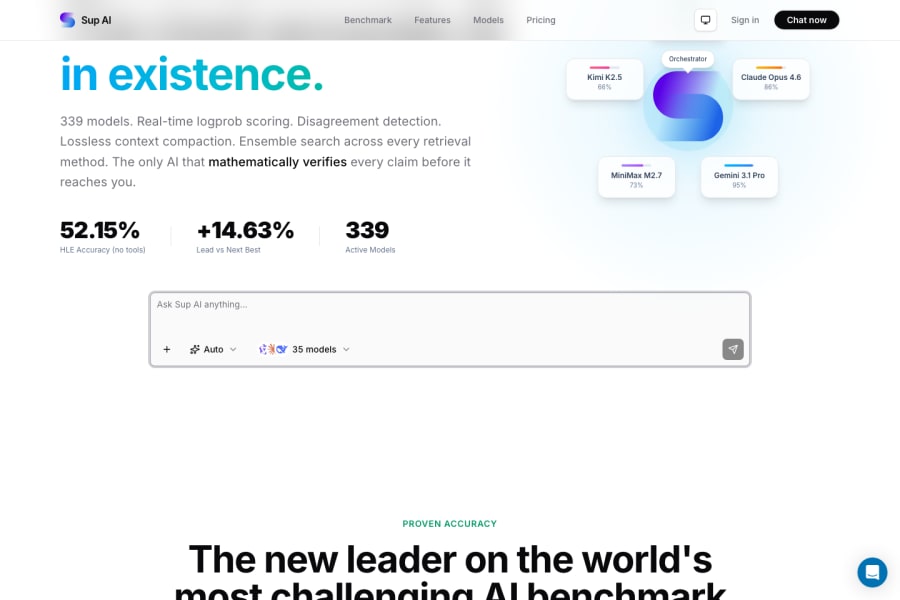

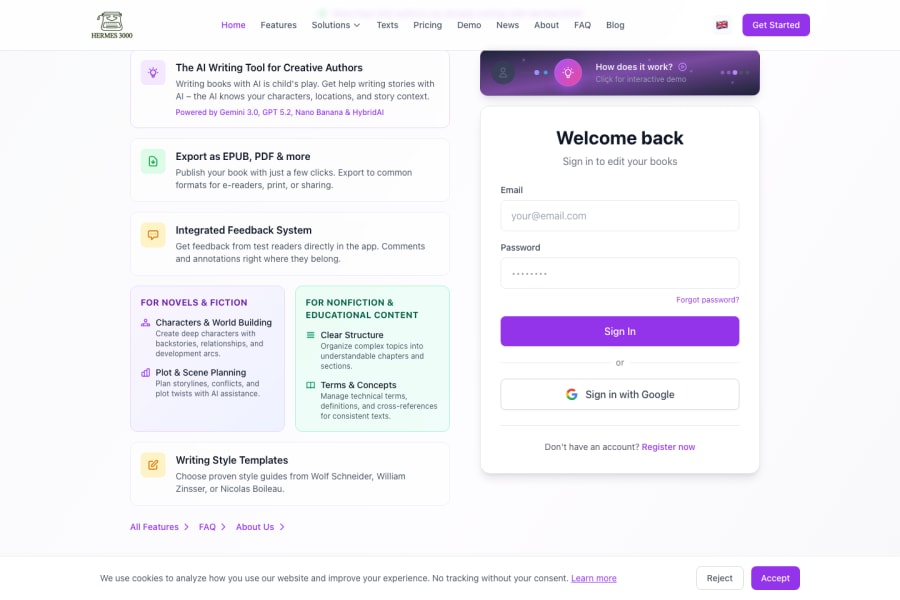
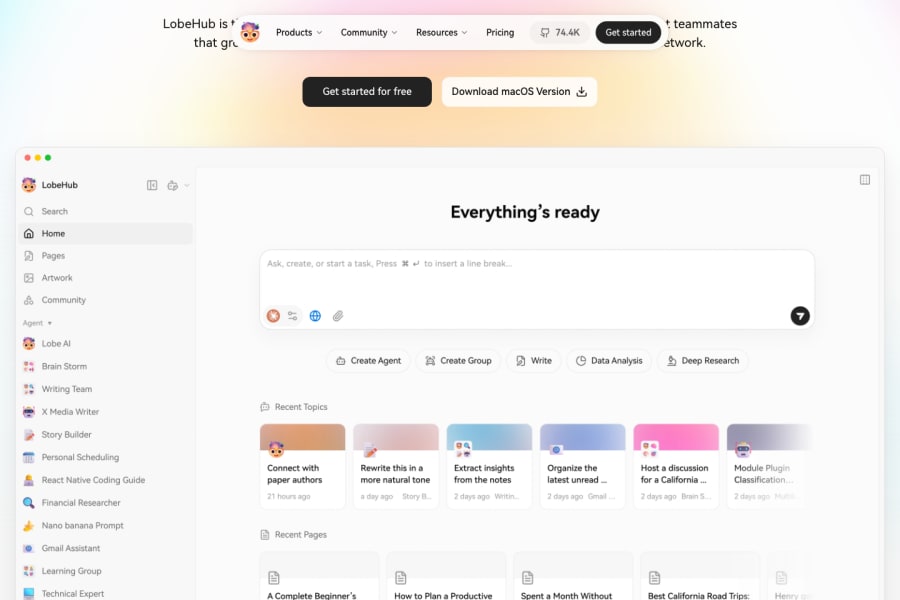























What are text AI tools?
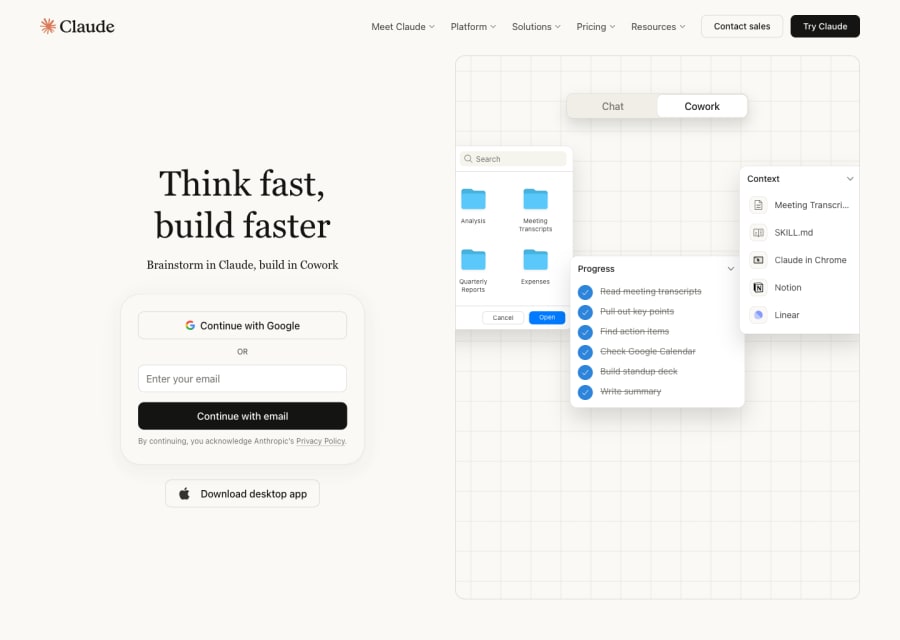
Text AI tools have quietly become one of the most transformative categories in the entire AI landscape — not because of any single breakthrough, but because most knowledge work is built on words. Whether you are drafting a blog post, crafting a cold email sequence, synthesising a 200-page research report, or just trying to think through a problem out loud, text AI tools sit right at the centre of that workflow. This category is broad by design: it covers general-purpose assistants like Claude and ChatGPT, dedicated copywriting platforms built for marketing teams, research tools that pull from live sources, writing editors that sharpen your prose, and summarisation tools that compress hours of reading into minutes. The common thread is that they all operate on language — and they are all designed to make you faster, clearer, and more prolific with your words.
Words are the interface for almost every professional output — sales pitches, documentation, reports, proposals, content, communication. The best text AI tools do not just autocomplete sentences; they help you think, structure arguments, catch gaps, and produce first drafts that would have taken hours to write from scratch. For solo operators, that means genuine leverage. For teams, it means faster review cycles, more consistent output, and less time lost to routine writing tasks. The ROI is unusually direct: time saved drafting becomes time available for strategy, client work, or creative thinking that AI cannot do for you.
How to choose the right text AI tool for your workflow
Common questions about text AI tools
What are text AI tools actually used for in real workflows?
In practice, they are used for first-draft writing, editing and rewriting existing content, summarising long documents, generating ideas and outlines, answering questions over uploaded files, building email sequences, producing SEO content, writing code documentation, and countless other language-based tasks. The category is wide enough that most people find uses they did not anticipate when they first start.
What is the difference between a general AI assistant and a copywriting tool?
A general assistant is designed for flexibility — you can use it for almost anything involving language. A copywriting tool is purpose-built for commercial content workflows, usually with templates for ads, landing pages, email, and social media, plus features like brand voice settings and tone controls. If you only write marketing copy, a dedicated tool might give you a faster, more consistent workflow. If you write many different things, a general assistant tends to be more useful overall.
Which text AI tool is best for research and fact-checking?
Research-focused users should prioritise tools with live search integration, source citations, and long-context document analysis. Perplexity is popular for research because it pulls from live web sources and cites them clearly. Claude and ChatGPT also support document uploads and can reason across large files. The key distinction is between tools that generate text confidently (and sometimes inaccurately) versus tools that ground their answers in verifiable sources — for anything fact-sensitive, the latter is essential.
Can text AI tools write in my brand voice?
Many can, with the right setup. The most reliable approach is to give the tool concrete examples of your writing style, a clear brief on tone, and specific instructions about what to avoid. Dedicated copywriting platforms often have formal brand voice features where you upload examples and the tool learns to match your style. General assistants can do this too, but it usually requires more effort on the prompting side.
Are free text AI tools good enough for professional use?
The free tiers of major tools like Claude and ChatGPT are genuinely capable for many professional tasks today. The main limitations are usage caps, rate limits during peak hours, and access to the most powerful model versions. If you use AI daily for significant work, a paid plan typically pays for itself in saved time within the first week. Start free to find the tool that fits, then upgrade once you know which one you will actually use consistently.