Image AI Tools
63 toolsGenerate and edit images with AI
Showing 63 tools




















What are image AI tools?
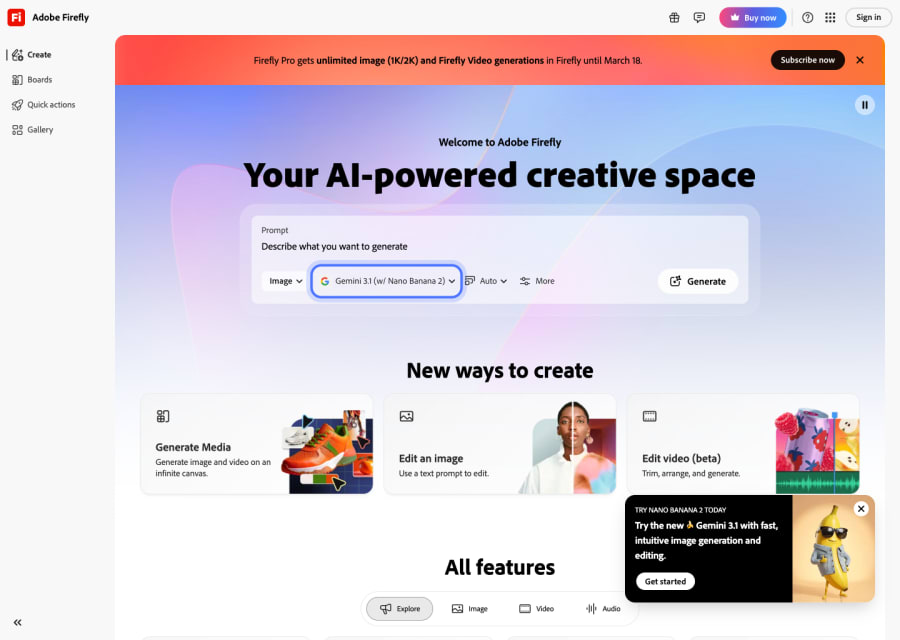
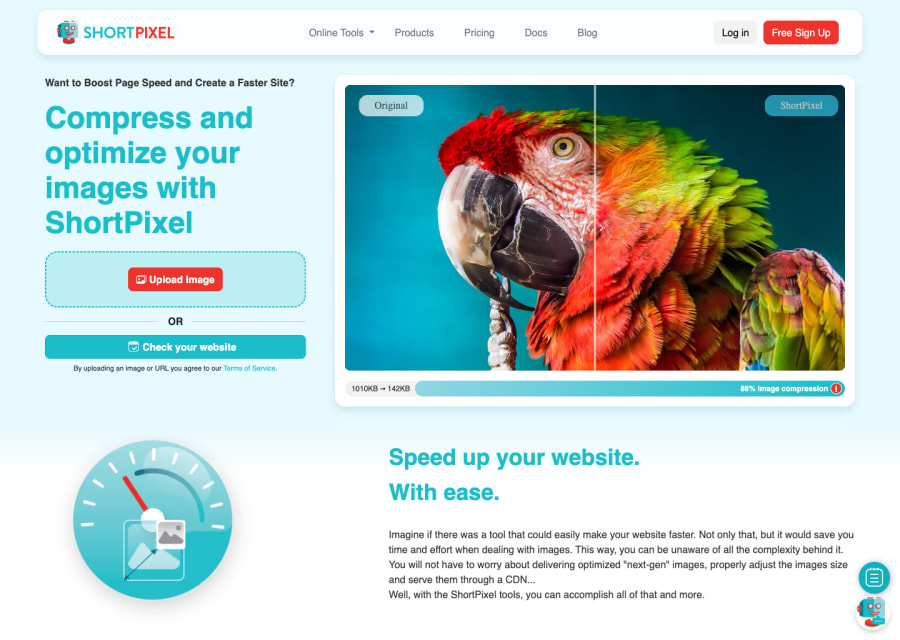
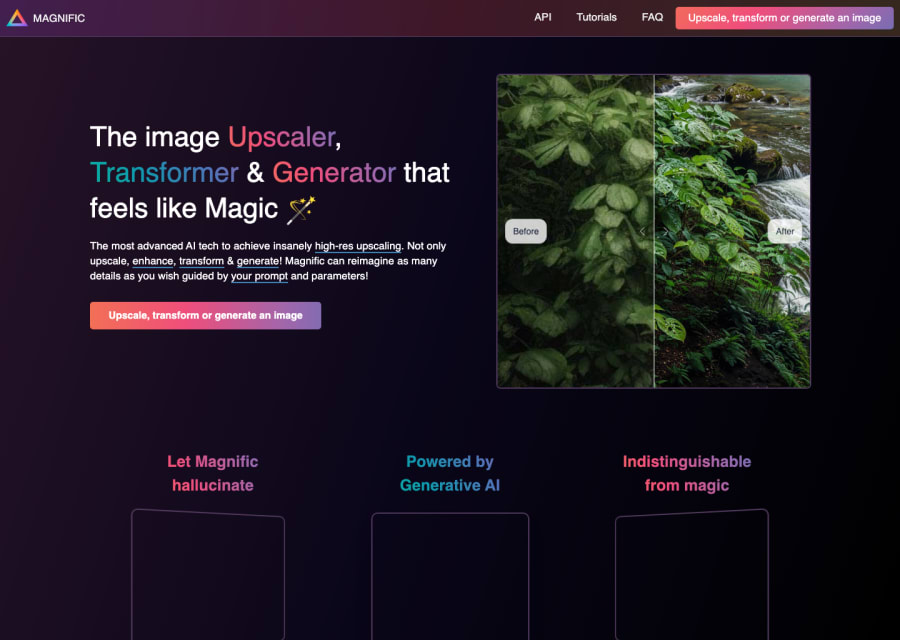
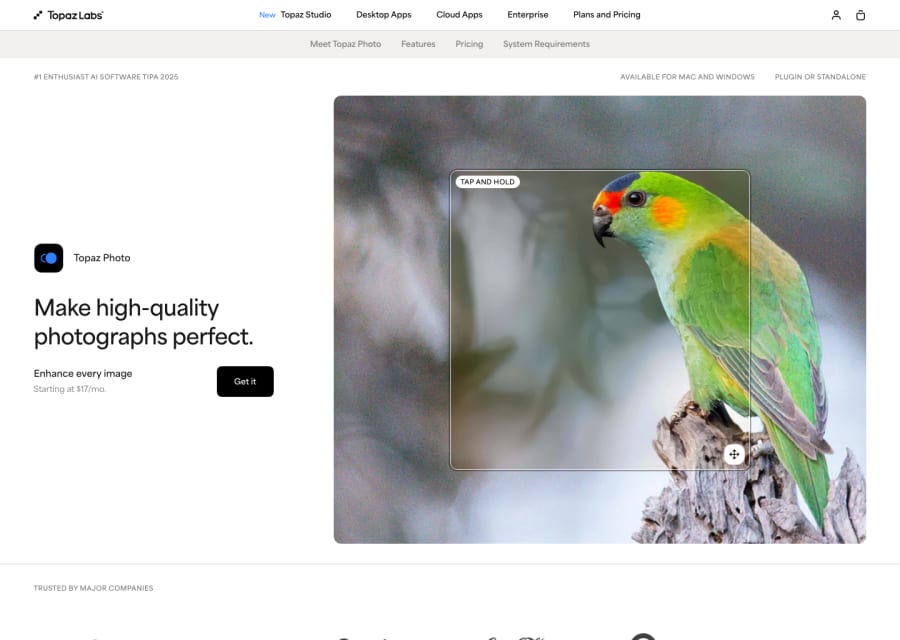
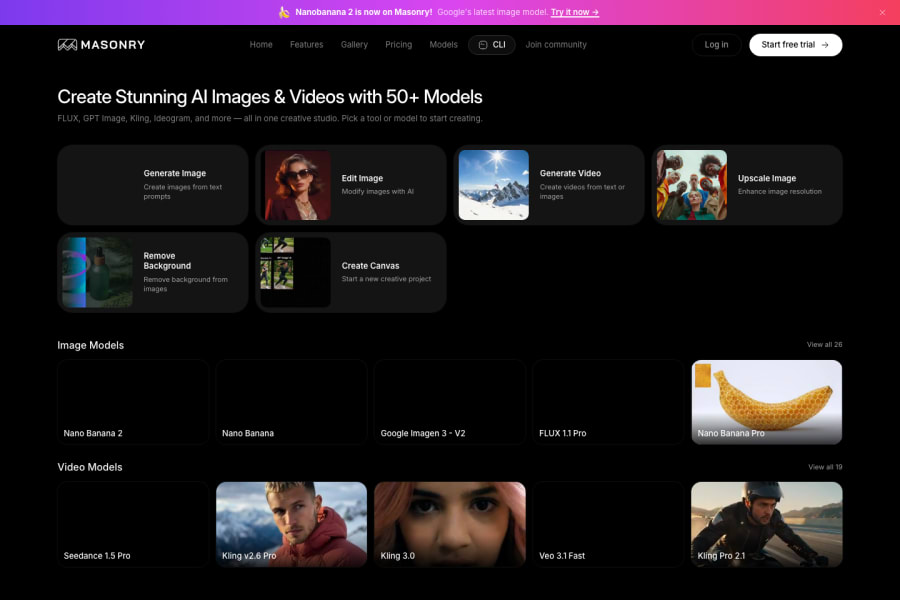
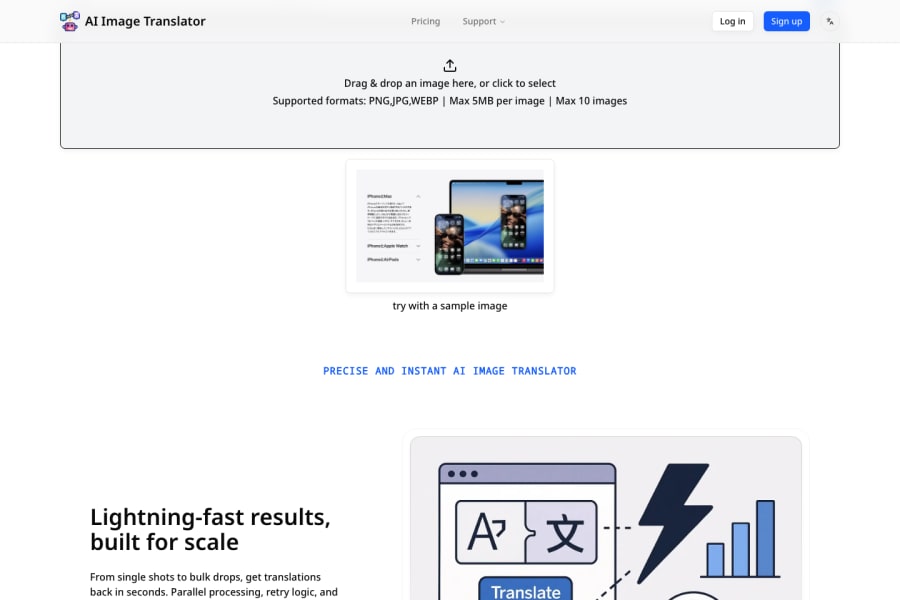
Image AI tools have transformed what it means to produce visuals — not by replacing designers, but by radically lowering the barrier between an idea and a visual output. What used to require a designer, a stock photo subscription, or hours of Photoshop now takes a text prompt and thirty seconds. This category covers the full spectrum of visual AI: text-to-image generators that create original visuals from descriptions, image editing tools that let you modify, extend, or manipulate existing photos, upscalers that restore or enhance resolution, and background tools that handle the parts of product photography nobody enjoys. The best tools in this space are used by marketers producing ad creative at scale, product teams generating mockups before a single line of code is written, creators building entire visual identities, and artists exploring styles and aesthetics they could not execute manually.
Visual communication is everywhere, and the demand for images outpaces what traditional production workflows can handle. A marketing team that needed a graphic designer to produce each asset now uses image AI to generate dozens of creative variations in an afternoon. A solo creator building a brand can produce a visual identity without a design budget. A product team can generate realistic mockups to test with users before investing in development. The productivity gains are real and measurable — but the deeper shift is that anyone can now express visual ideas at the speed of thought, which changes how creative work gets done.
How to choose the best image AI tool for your creative needs
Common questions about image AI tools
What are image AI tools most useful for in real creative work?
The highest-value use cases are: generating concept art and mood boards quickly during early creative phases, producing ad creative variations at scale for A/B testing, creating product visuals and mockups without a photography shoot, generating custom illustrations for content and social media, and exploring visual styles or aesthetics before committing to a design direction. Most professionals use them to accelerate exploration — the final polish often still involves human editing.
Are image AI tools good enough for professional commercial use?
For many commercial use cases, yes. Tools like Midjourney, Adobe Firefly, and DALL-E 3 produce work that can go directly into campaigns, social posts, and content pieces. The areas that still require more care are: precise brand asset adherence, accurate text rendering within images, consistent human faces across a series, and anything requiring a very specific real-world reference. Know the limitations of the tool before relying on it for high-stakes deliverables.
What is the difference between Midjourney, DALL-E, and Stable Diffusion?
Midjourney is famous for producing aesthetically polished, visually striking outputs — many designers use it for inspiration and concept development. DALL-E (via ChatGPT) is more conversational and easier to iterate with in a chat interface, making it accessible for non-designers. Stable Diffusion is open-source, infinitely customisable, and favoured by technical users who want fine-grained control over outputs, custom model training, and local deployment. Each has a different ideal user depending on the level of control needed.
Who owns the images generated by AI tools?
This varies by platform and jurisdiction. Most commercial tools like Midjourney (paid plans), Adobe Firefly, and DALL-E allow you to use generated images commercially. Midjourney's free tier has stricter restrictions. Stable Diffusion outputs are generally more permissive given its open-source nature. Always check the specific platform's terms of service for commercial rights — this is particularly important if you are creating work for clients or licensing it to third parties.
Can image AI tools replace photographers and graphic designers?
Not fully — and probably not the goal for most teams. They replace specific workflows: stock photo searches, concept sketching, and producing basic assets quickly. They do not replace the strategic thinking, brand understanding, and refinement that professional designers bring. The most productive teams treat image AI as a tool that handles the heavy lifting of early-stage production, freeing designers to focus on the work that requires real creative judgement.