Business AI Tools
194 toolsProductivity and business tools
Showing 194 tools



























































What are business AI tools?
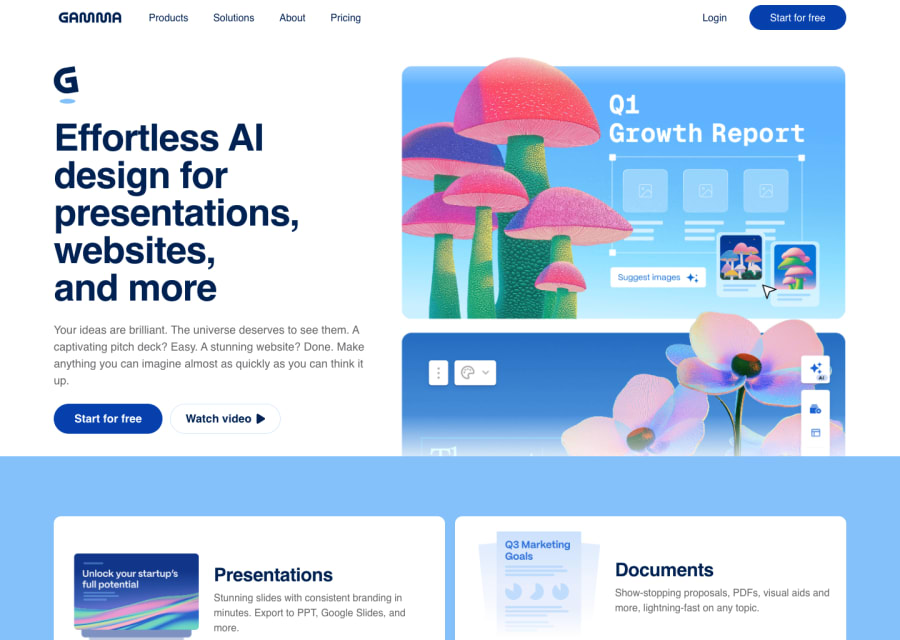
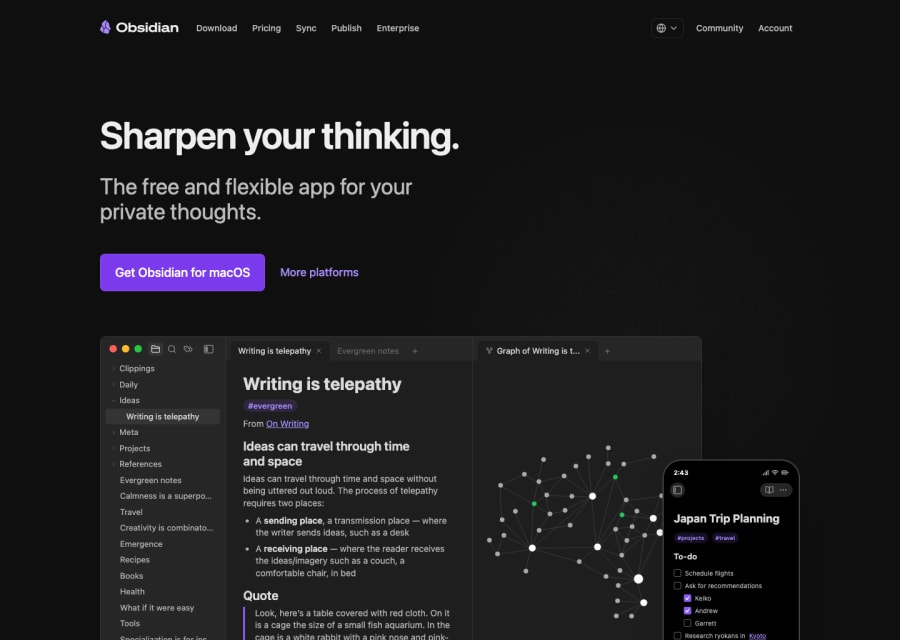
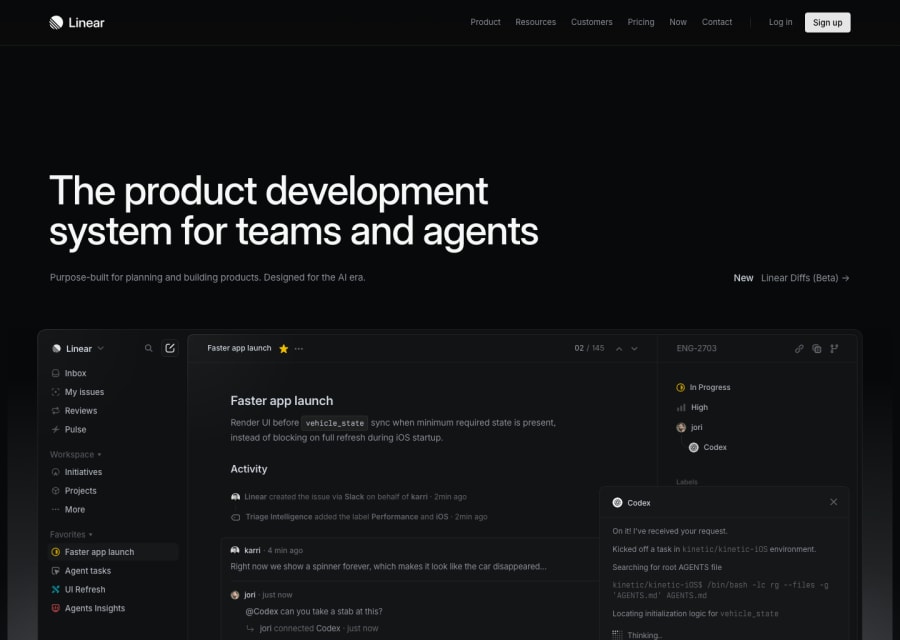
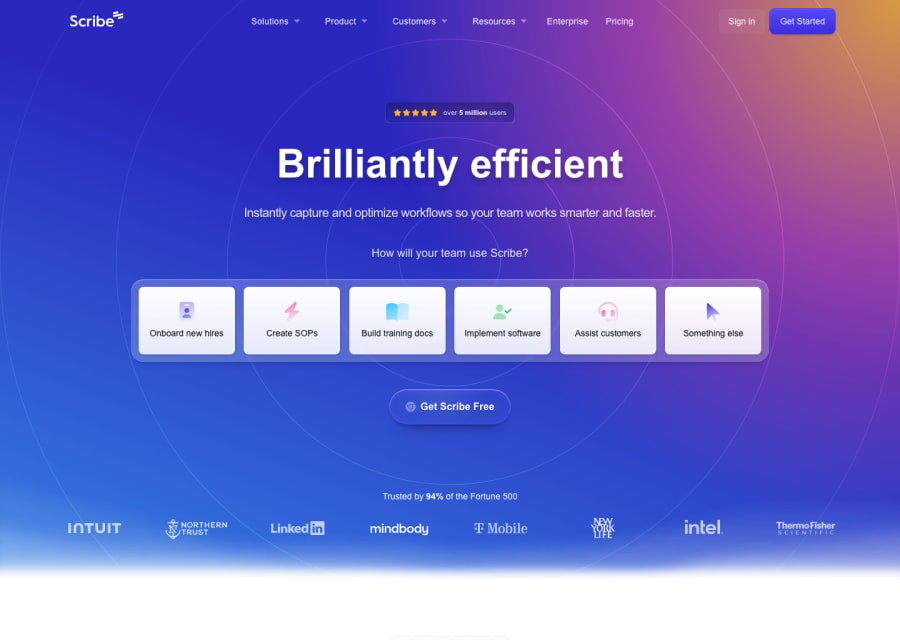
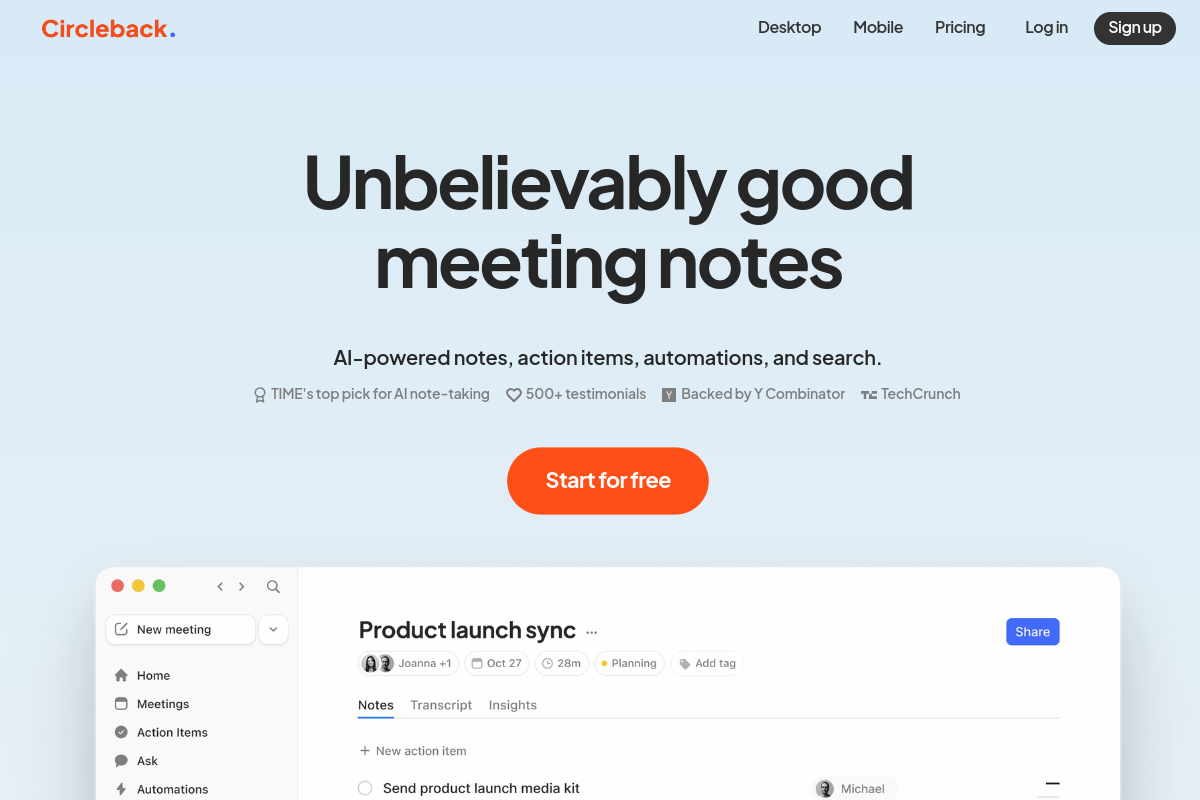
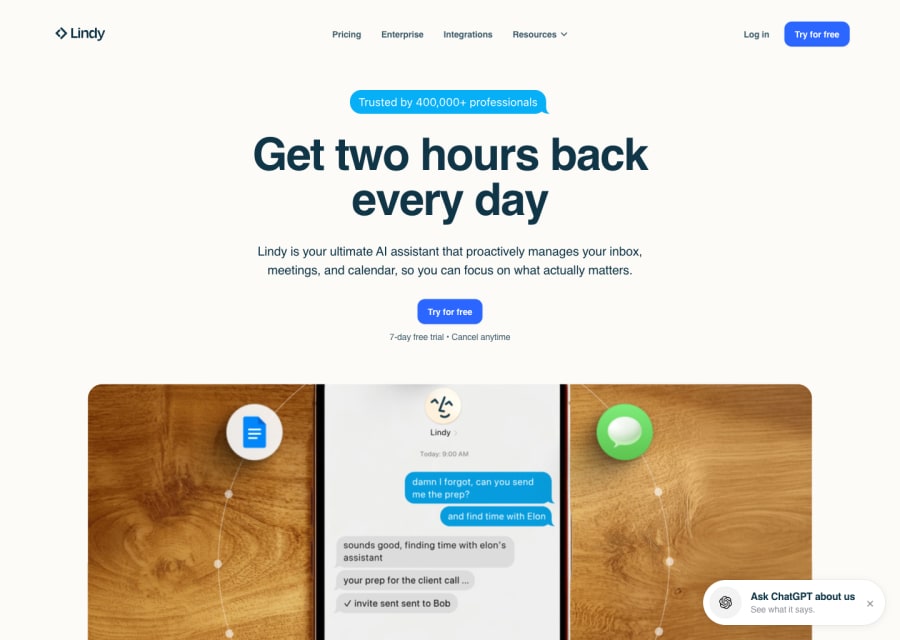
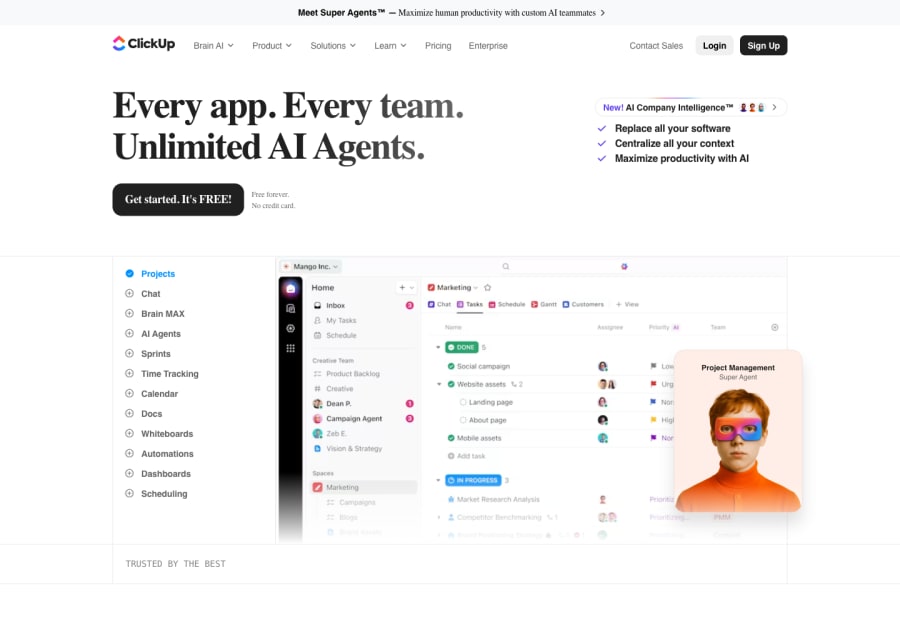
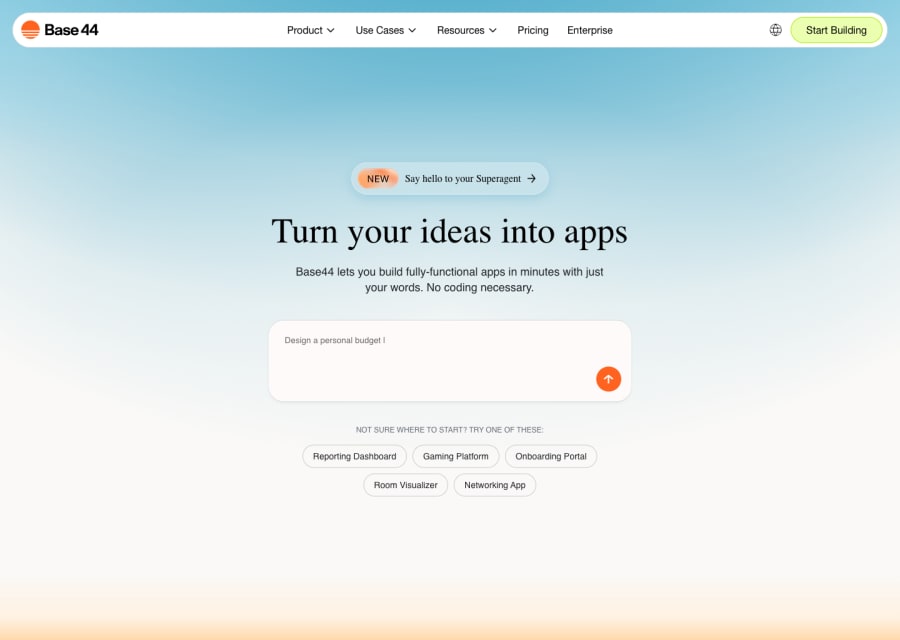
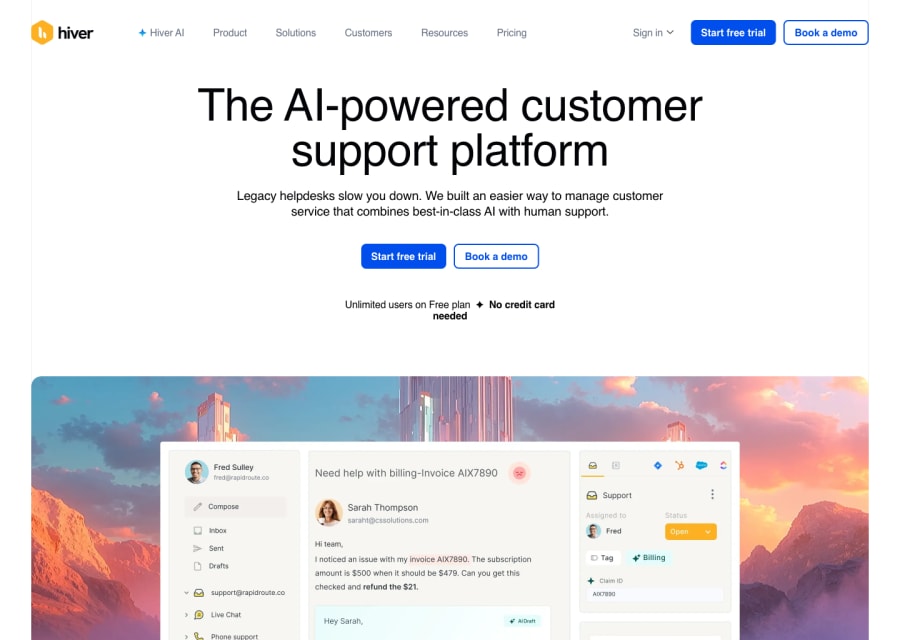
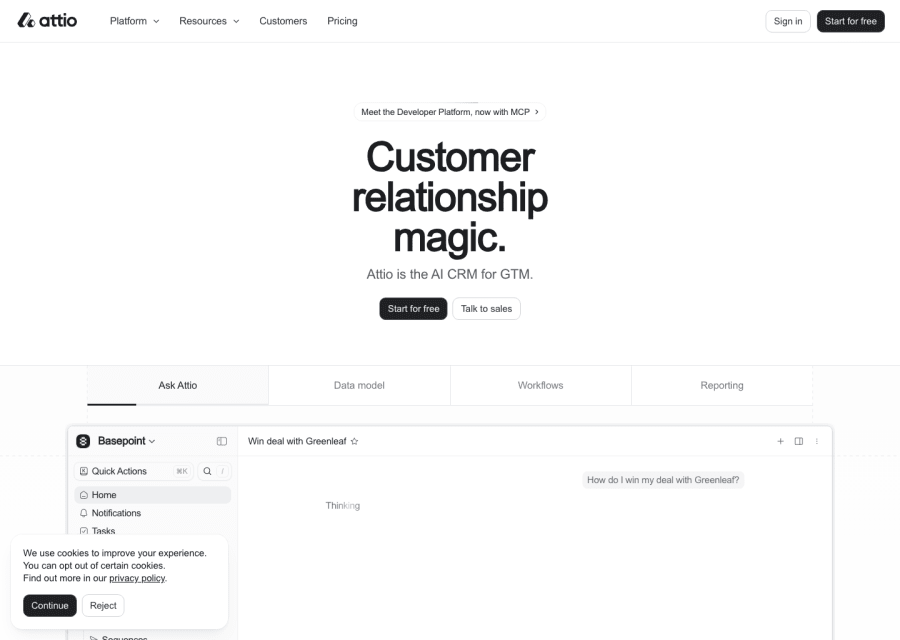
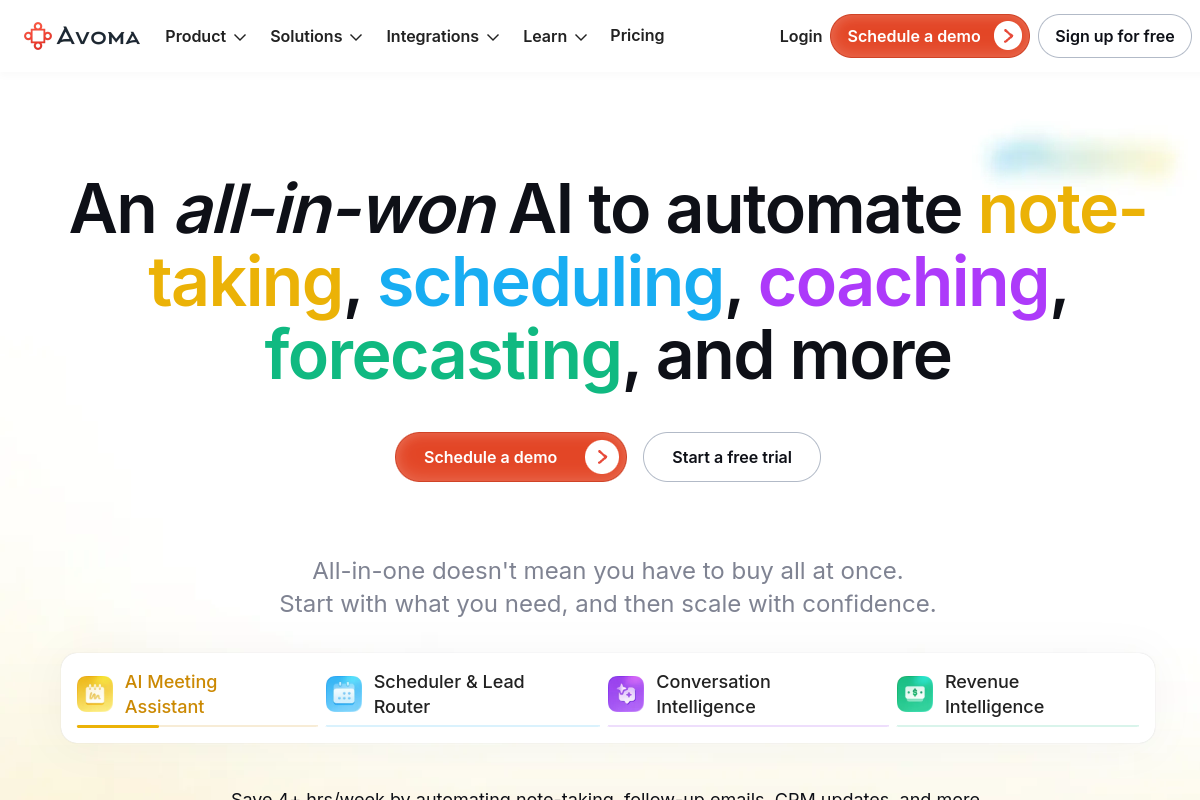
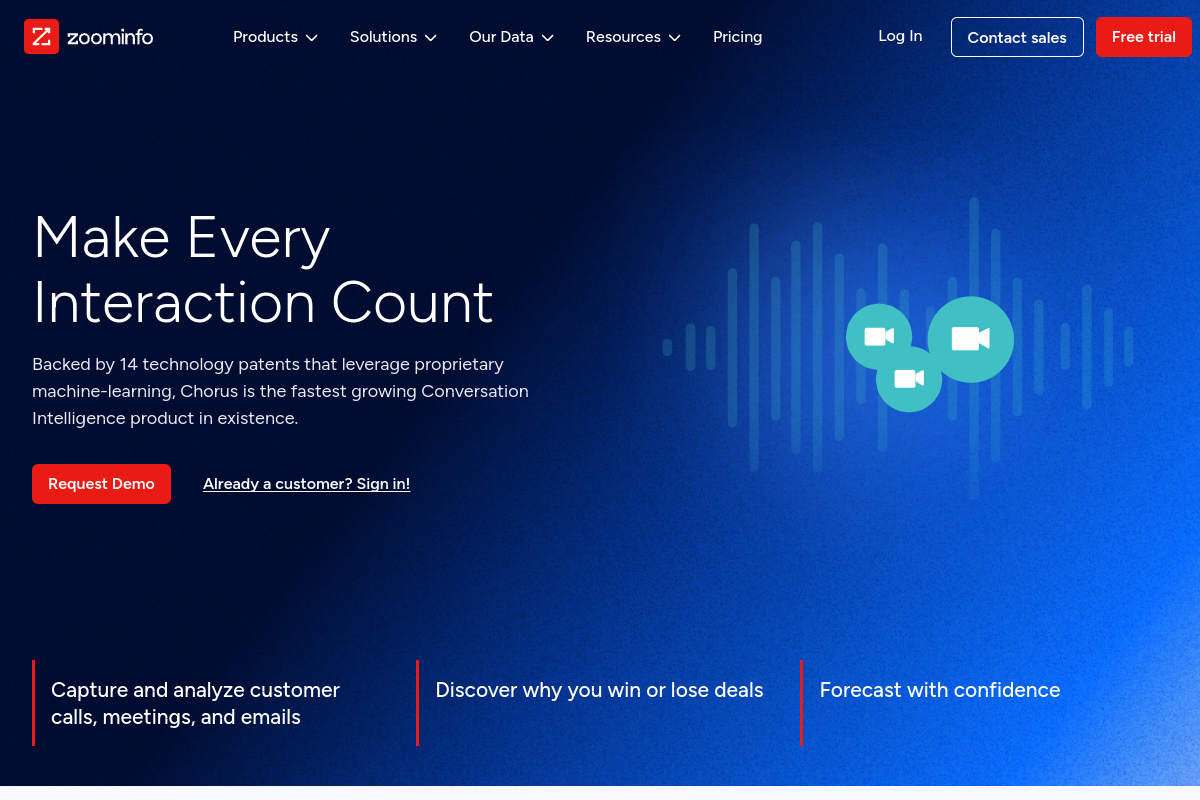
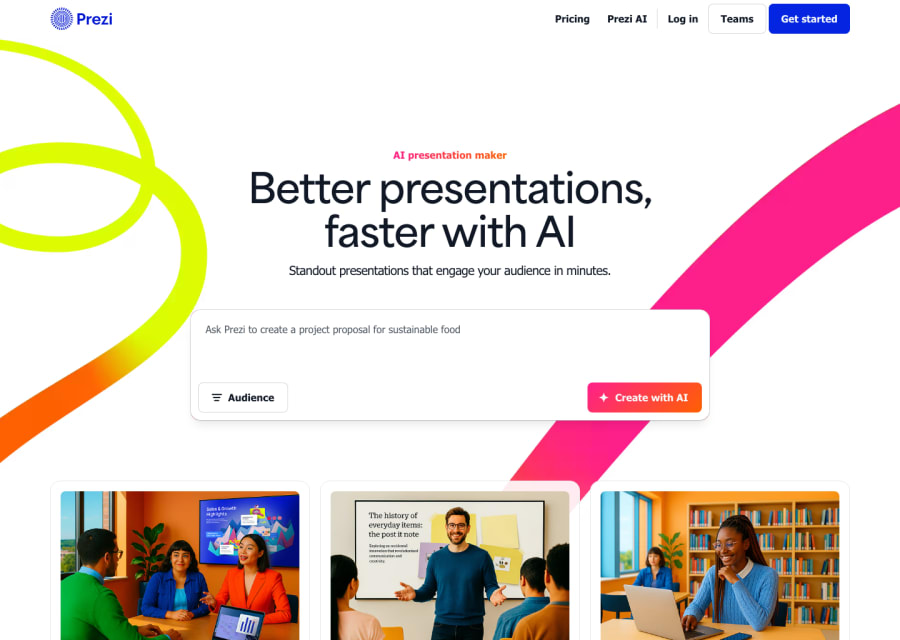
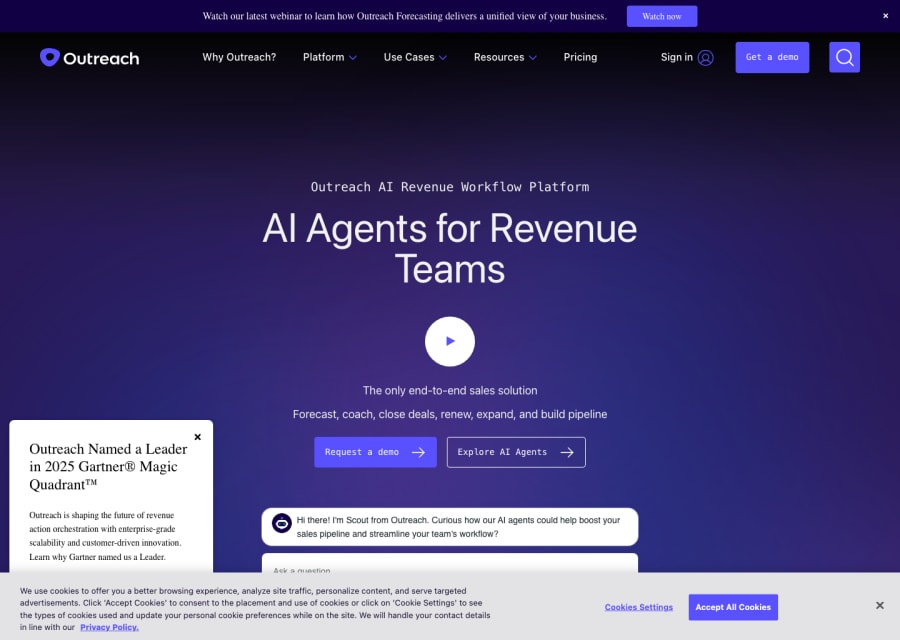
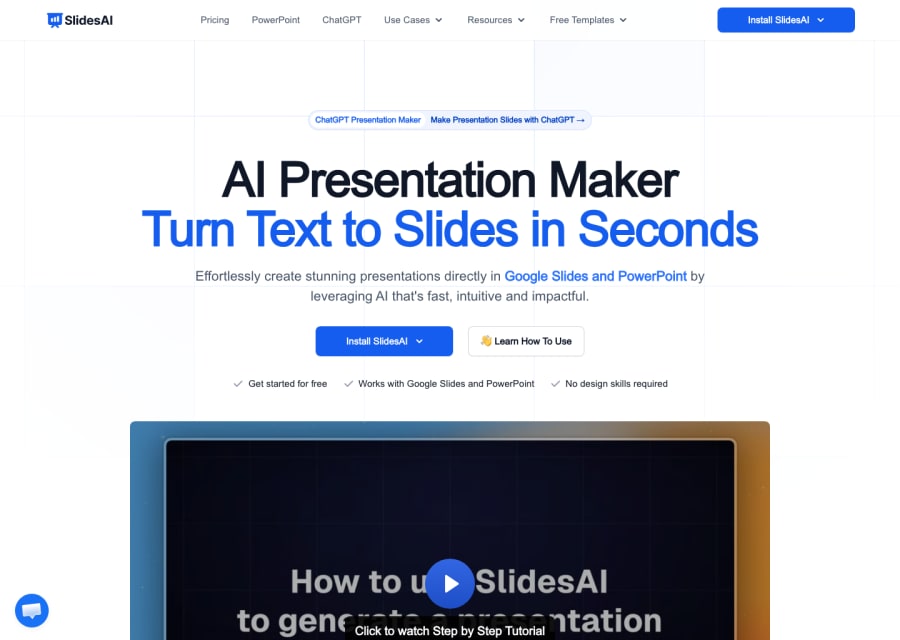
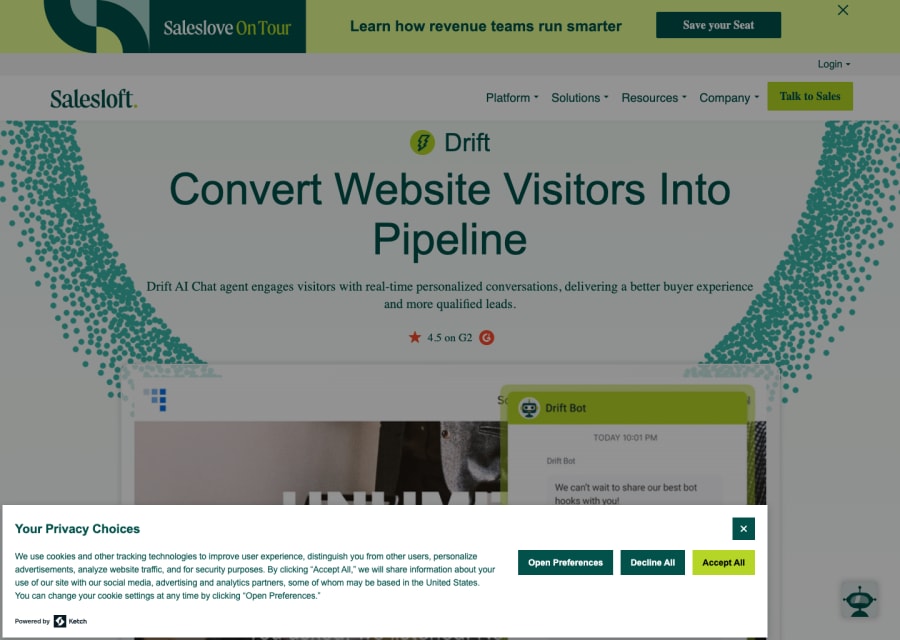
Business AI tools cover the wide category of products built to improve how teams communicate, plan, present, and operate at work. This is deliberately broad because knowledge work itself is broad — the category includes AI presentation tools that generate polished decks from an outline, meeting assistants that take notes and extract action items automatically, CRM and sales intelligence tools that help teams prioritise and personalise outreach, document and knowledge management tools that help organisations find and use information they already have, workflow automation platforms that connect the tools in a team's stack, and financial and operational AI products built for specific business functions. The unifying thread is that these tools are built for the office — for the work that happens between the product being built and the customer being served.
Most organisations are significantly more productive than they were a decade ago in terms of communication bandwidth — email, Slack, video calls, collaborative docs. But much of that bandwidth is consumed by the overhead of communication itself: meetings that could have been emails, decks that take a day to make and a minute to present, reports that require an hour to compile and five minutes to read. Business AI tools target this overhead directly. When they work well, they compress the time between having an idea and sharing it clearly, between receiving information and being able to act on it, between starting a presentation and having something worth presenting. The best ones do not just save time — they improve the quality of work products that decision-makers actually see.
How to choose the right business AI tool for your team
Common questions about business AI tools
What are business AI tools most useful for in real team workflows?
The highest-impact use cases are: automating meeting notes and action item extraction so nothing gets lost after a call, generating first-draft presentations from an outline or brief so the starting point is already 70% of the way there, producing weekly and monthly reports without manual data compilation, searching and surfacing relevant information from internal documents and knowledge bases, and creating personalised sales and marketing materials at scale. The ROI is clearest in tasks that are repetitive, time-consuming, and have a clear repeatable format.
Are business AI tools useful for small teams and solo operators, or mainly for enterprises?
Often more useful for small teams and solo operators, because they need leverage across the most functions with the fewest people. A solo founder who produces their own investor updates, client decks, and outbound sequences benefits enormously from tools that compress the time each takes. Enterprise teams have specialised roles for many of these functions — AI tools in that context are more about quality and consistency at scale than about doing the work that would otherwise not get done at all.
What should I look for in an AI presentation tool?
Test whether it can generate a coherent narrative structure, not just attractive slides. The best tools understand argument flow — they know that a pitch deck opens with the problem before the solution, that a report needs a summary before the data, that a proposal closes with a clear ask. Visual quality matters, but a presentation with the wrong structure is useless regardless of how it looks. Also check export quality, template flexibility, and whether you can bring it into PowerPoint or Google Slides for final editing.
How do AI meeting assistants work and are they reliable?
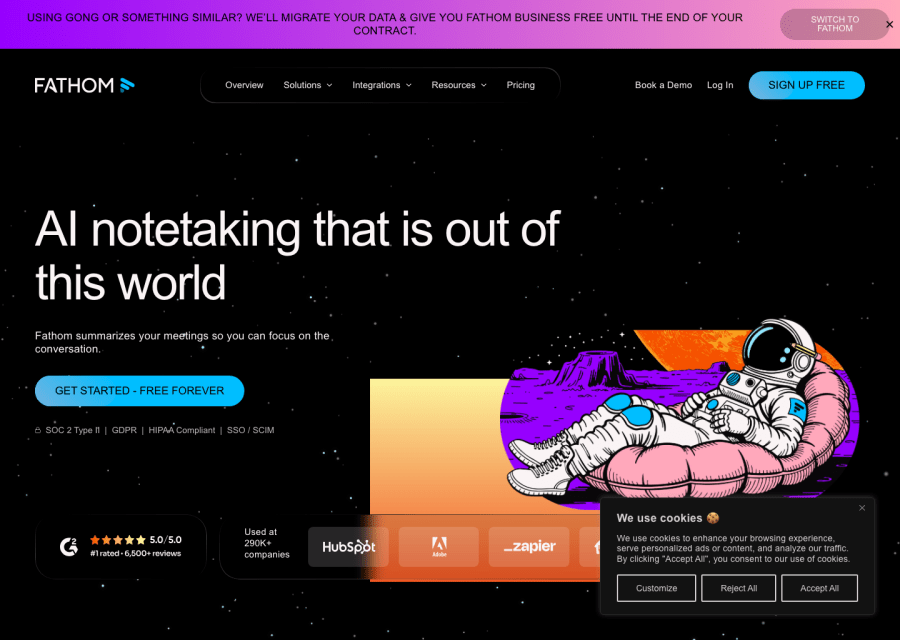
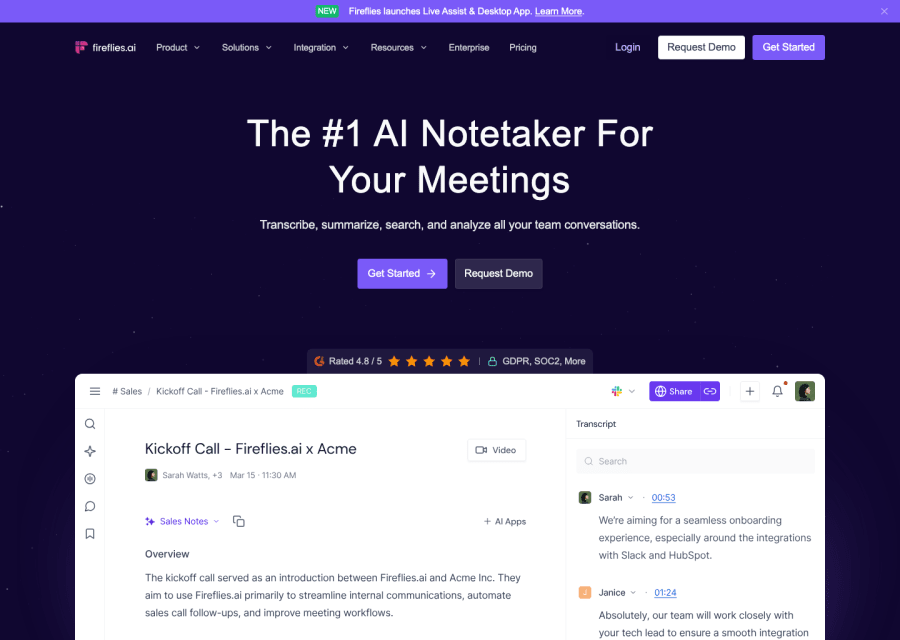
Meeting assistants join your calls (Zoom, Google Meet, Teams), transcribe the audio, identify speakers, and use a language model to extract summaries, decisions, and action items. Reliability depends heavily on audio quality, speaker clarity, and whether the tool has been trained on business meeting vocabulary. The best tools — Otter.ai, Fireflies, Granola, Read AI — are reliable enough for regular use, though they still miss nuance, misattribute speakers occasionally, and struggle with overlapping voices. Treat the output as a first draft that needs a quick review, not a final record.
Can AI tools help with business communication like emails and reports?
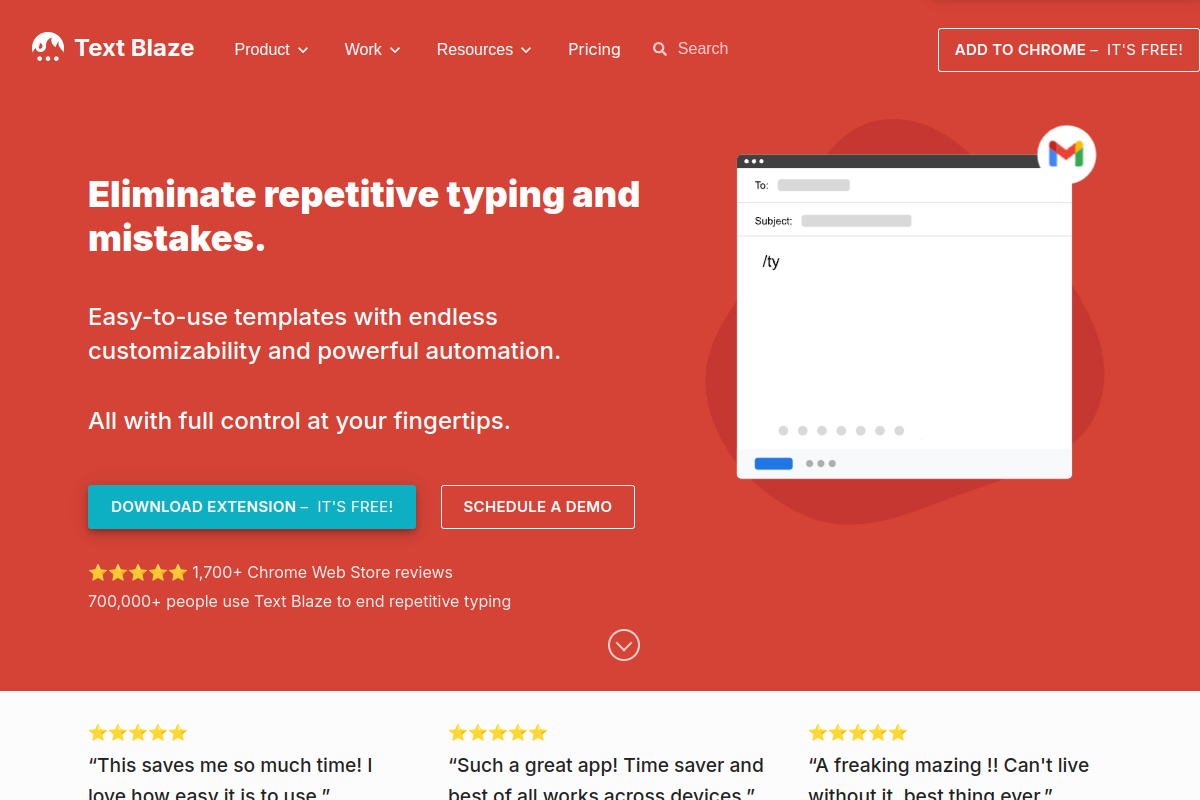
Yes — and this is one of the highest-frequency use cases. Writing clear, appropriately-toned business communication is time-consuming, and AI can significantly accelerate the drafting process. The most effective approach is to use AI to produce a structured first draft based on your key points, then edit for tone, accuracy, and relationship context that only you have. The AI handles the scaffolding; you handle the substance. For high-frequency formats like weekly updates, client check-ins, and status reports, this workflow can save significant time weekly.