10 Best Speech to Text Tools for Effortless Transcription
This article is designed to help readers compare AI tools, understand tradeoffs, and choose products based on real workflow needs rather than broad marketing claims.
Speech-to-text tools are no longer just a convenience feature. In 2026 they sit at the center of meetings, podcast editing, customer interviews, voice notes, research workflows, and support operations. The best ones do not just turn audio into text. They make transcription feel effortless by removing manual cleanup, packaging the output into something useful, and helping you act on what was said.
This list pulls together the 10 strongest speech-to-text tools in our database for people who care about transcription first. Some are end-user apps for meetings and content creation. Others are transcription engines built for high accuracy and scale. Together they cover most real-world use cases.
At a Glance
| Tool | Best For | Pricing | Why It Stands Out |
|---|---|---|---|
| Descript | Creators and podcasters | Freemium | Transcript-based media editing |
| Otter.ai | General meetings | Freemium | Fast real-time meeting transcription |
| Fireflies.ai | Teams and CRM workflows | Freemium | Strong automations and analytics |
| Fathom | Free meeting summaries | Freemium | Excellent value on the free plan |
| tl;dv | Highlights and clips | Freemium | Searchable moments, not just raw transcripts |
| MeetGeek | Meeting operations | Freemium | Searchable team library of calls |
| Notta | Multilingual transcription | Freemium | Broad language and input support |
| Deepgram | Developer transcription | Freemium | Fast real-time speech API |
| AssemblyAI | Audio intelligence workflows | Freemium | Strong extras beyond transcription |
| Speechmatics | Accent-heavy global audio | Freemium | Excellent multilingual accuracy |
1. Descript
Descript is one of the few tools where transcription changes the whole workflow instead of being an add-on. It turns audio into text automatically, then lets you edit the underlying recording by editing the transcript itself.
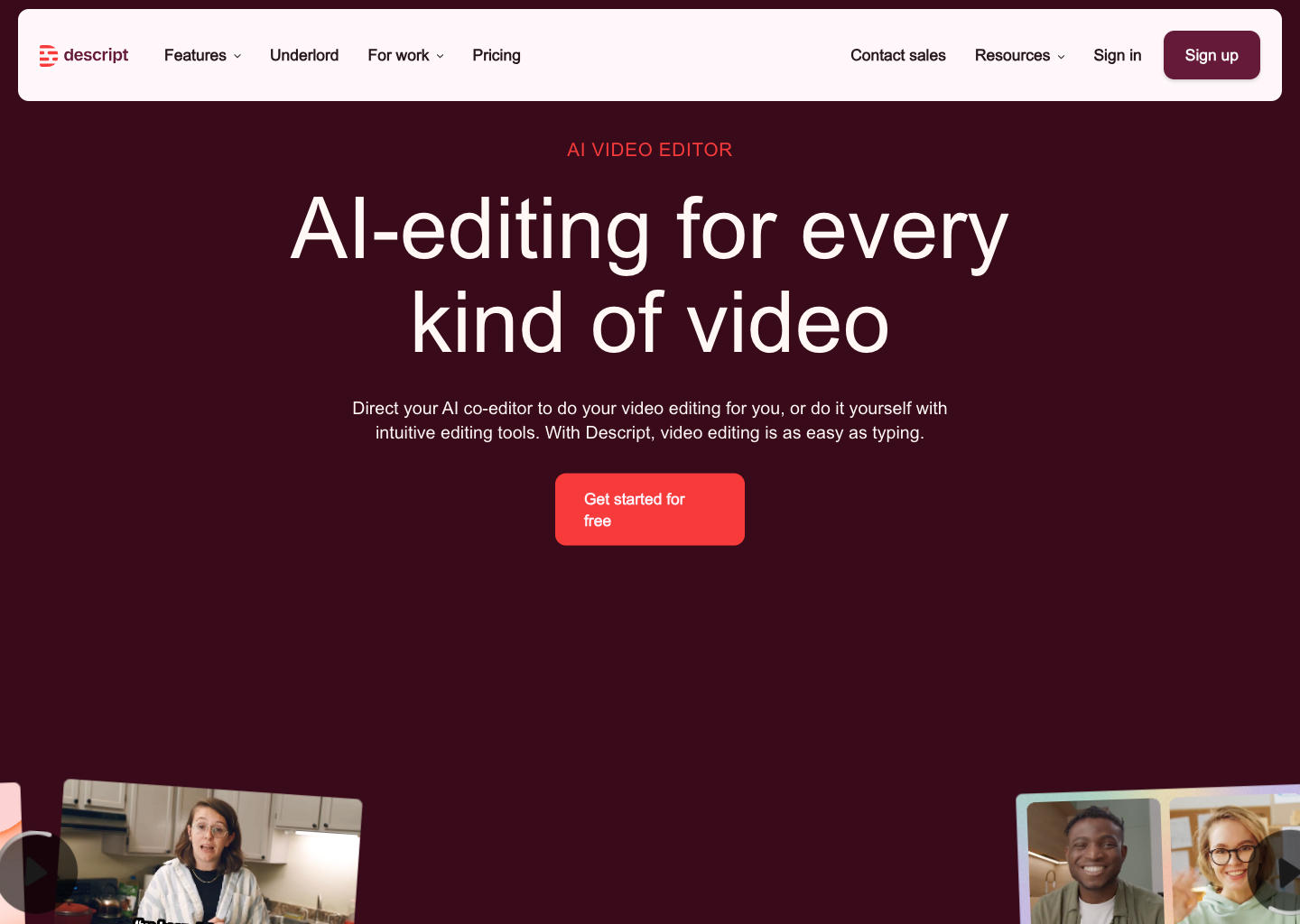
That makes it especially powerful for podcasts, interviews, training videos, and talking-head content where fast cleanup matters more than deep audio engineering.
Try Descript View tool profile
2. Otter.ai
Otter.ai is still one of the easiest transcription products to recommend for day-to-day work. It handles live meetings well, keeps everything searchable, and turns conversation into quick summaries and action items with minimal friction.
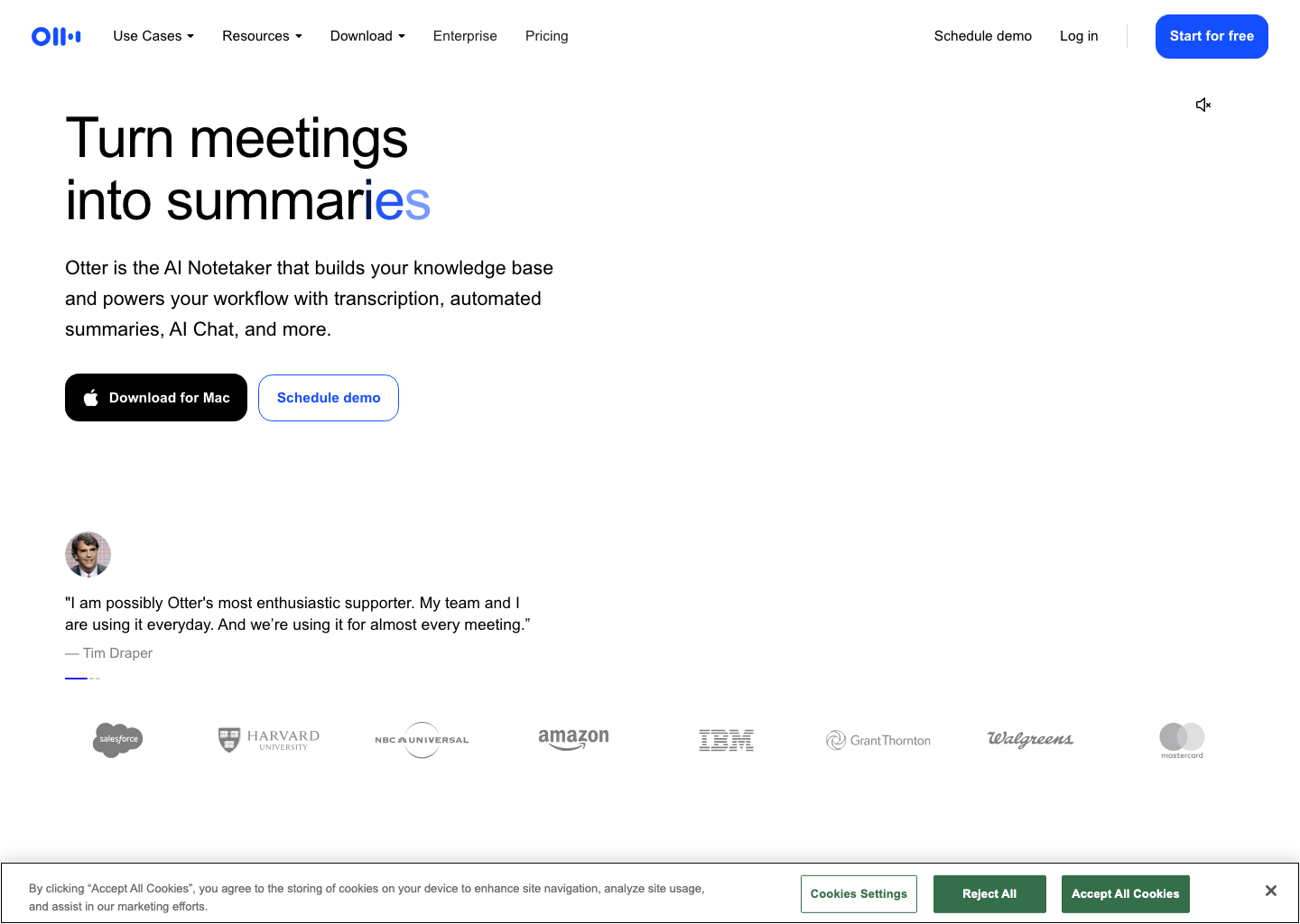
For most people who want effortless transcription without extra complexity, Otter is the safe default.
Try Otter.ai View tool profile
3. Fireflies.ai
Fireflies.ai is best when transcripts need to turn into follow-up work automatically. It records meetings, transcribes them, and pushes notes into CRMs and other team systems without much manual handling.
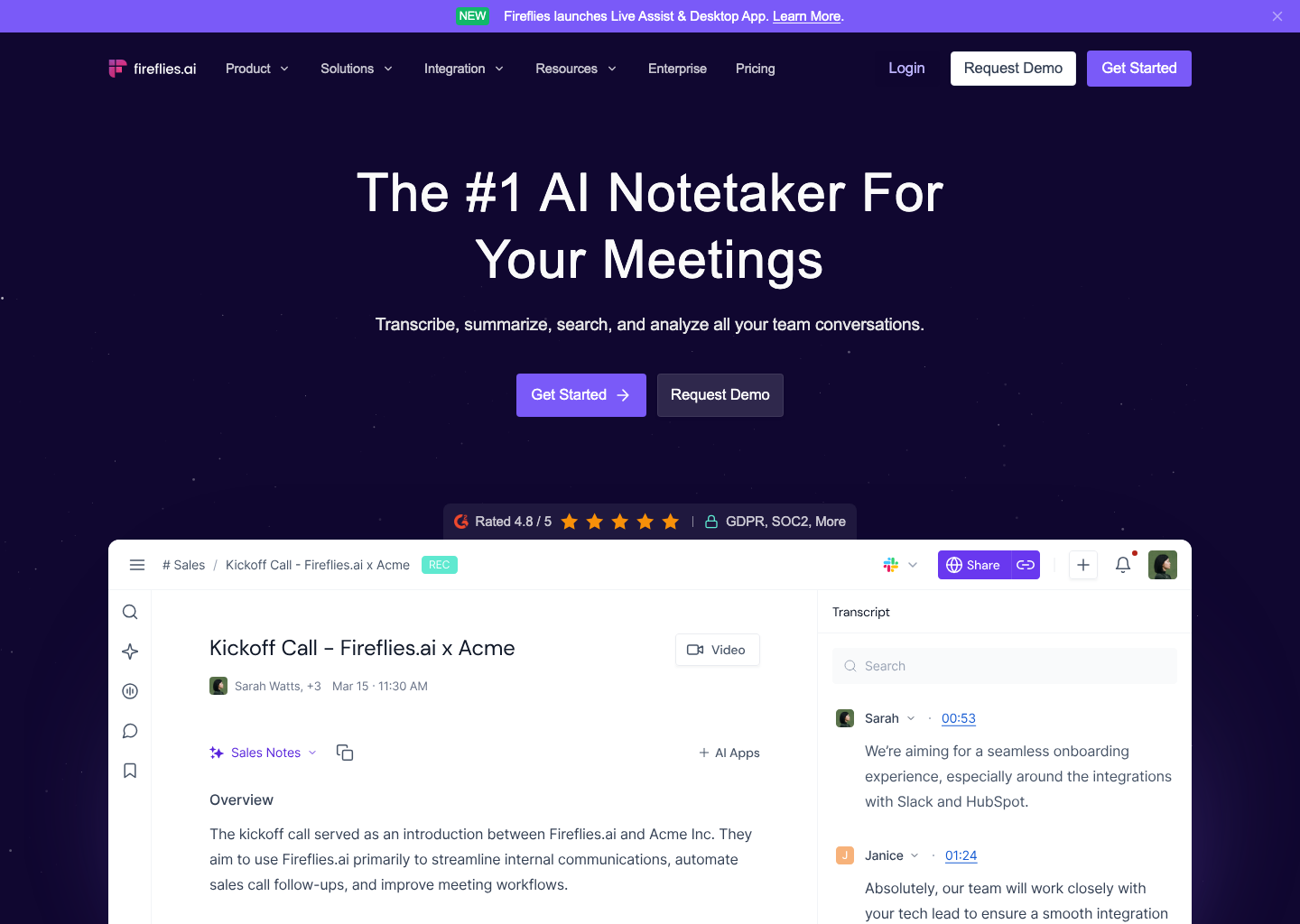
That makes it especially appealing for sales, customer success, and operations teams where transcripts are only useful if they move quickly into execution.
Try Fireflies.ai View tool profile
4. Fathom
Fathom punches above its weight because the free tier is genuinely good. It records meetings, produces clean transcripts, and sends useful recaps without making users fight the product.
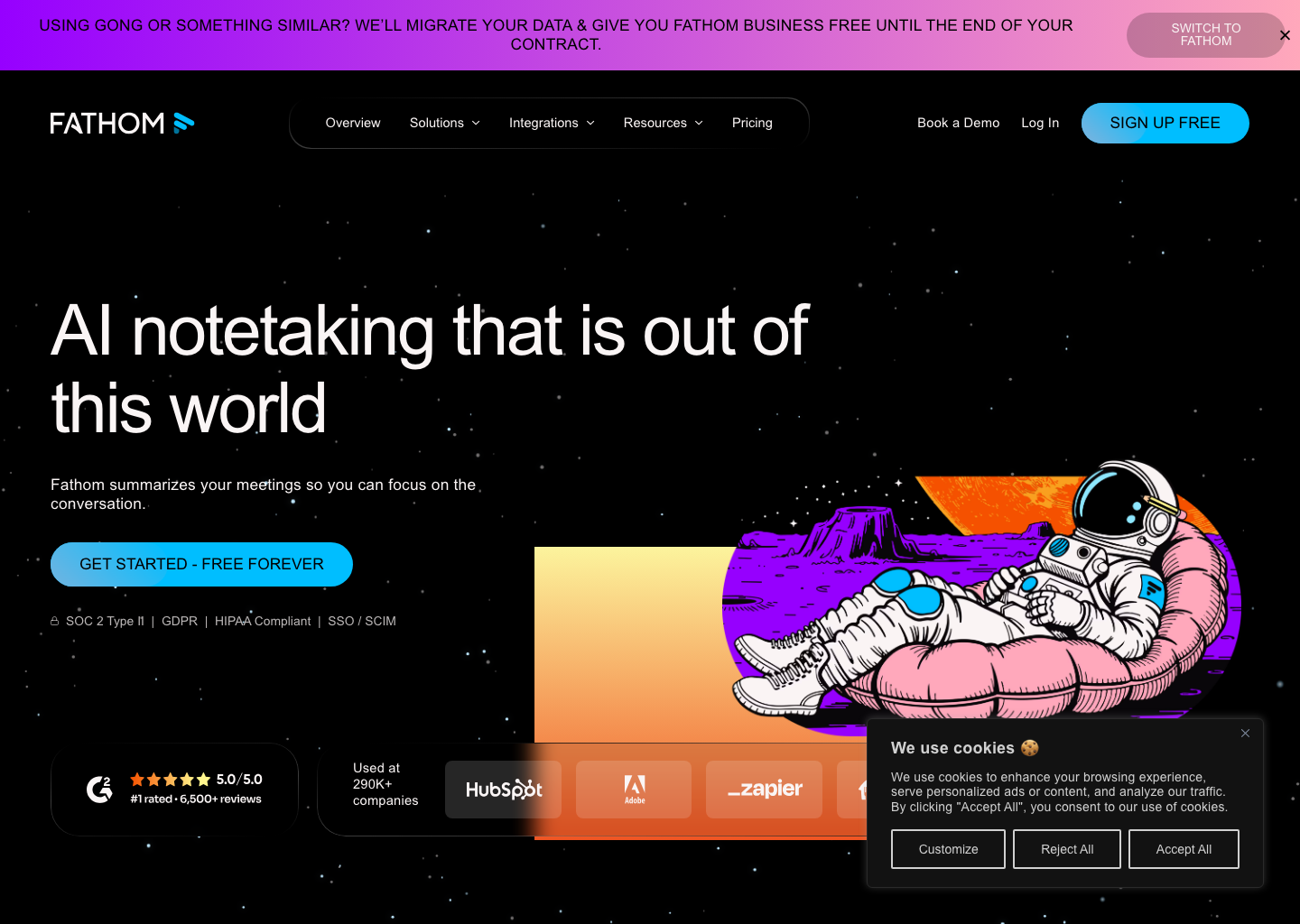
For solo operators and smaller teams, that simplicity plus low cost makes it one of the strongest transcription tools to test first.
5. tl;dv
tl;dv is ideal when full transcripts are not enough and the team actually needs shareable moments. It makes it easy to capture timestamped highlights and clips from meetings while still giving you the underlying transcript and summary.
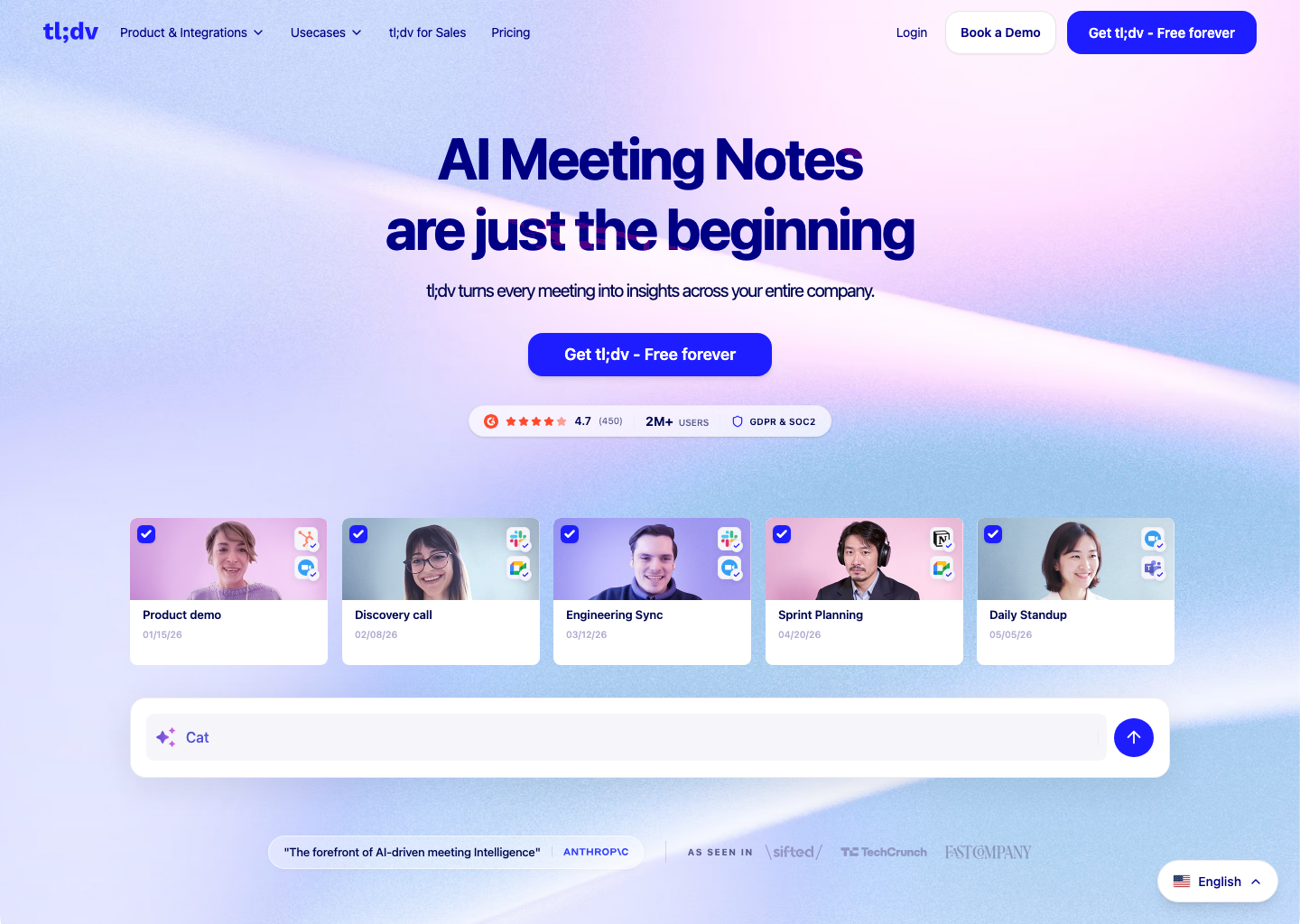
That small workflow twist makes it unusually useful for product, UX research, and revenue teams who often need the exact quote, not the whole meeting.
6. MeetGeek
MeetGeek is a strong option for teams that want transcription to become a structured internal archive. It auto-records calls, builds searchable summaries, and helps organizations keep a durable library of meeting knowledge.
If your team is drowning in recurring calls and scattered notes, MeetGeek is one of the cleaner systems for organizing transcription at team scale.
Try MeetGeek View tool profile
7. Notta
Notta stands out for multilingual workflows and input flexibility. It works across meetings, uploaded media, and browser audio, which gives it broader transcription coverage than many competitors.
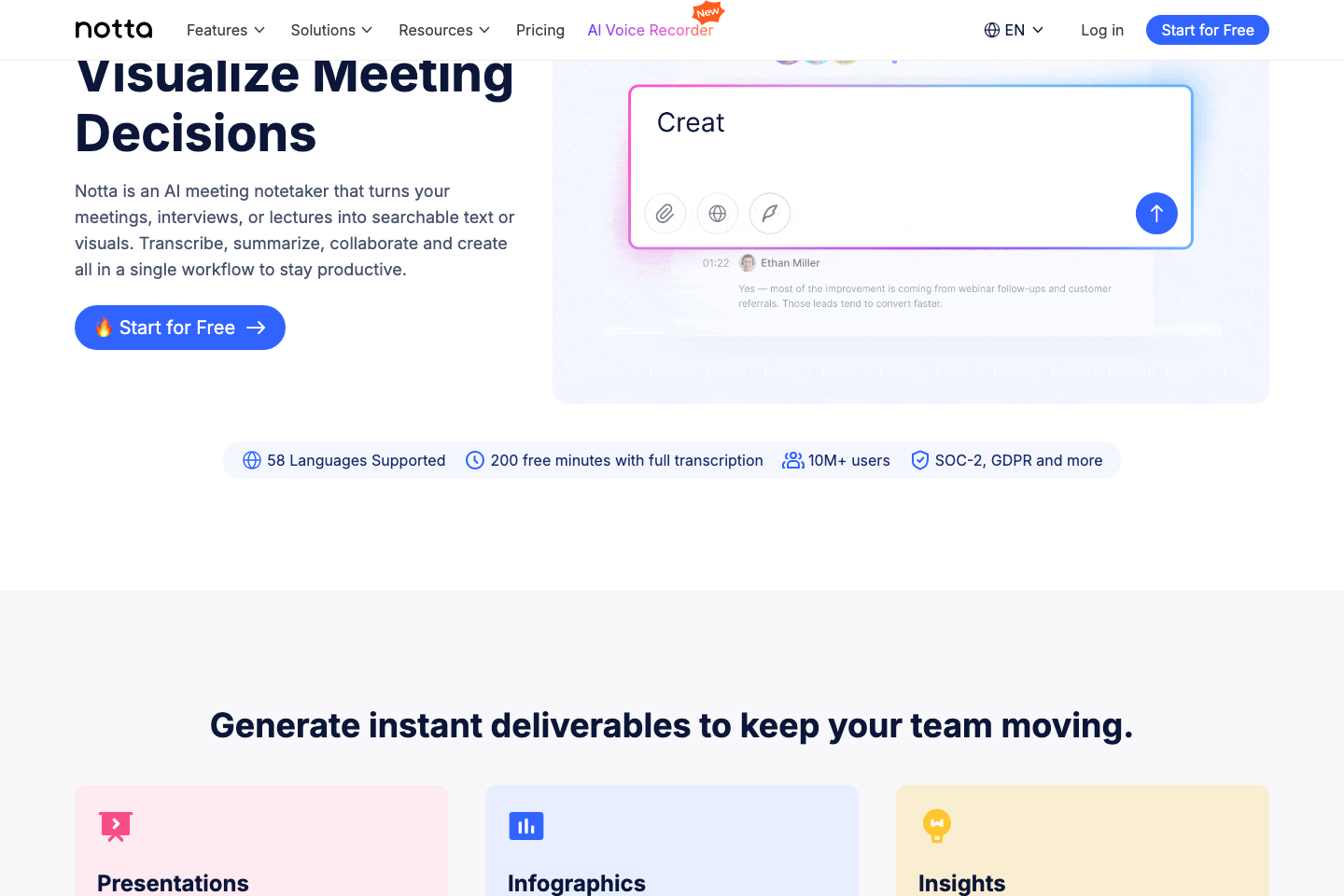
International teams and researchers dealing with mixed audio sources will likely get more value from Notta than from narrower meeting-only tools.
8. Deepgram
Deepgram is one of the strongest developer-focused transcription engines in the database. It is built for fast speech recognition at scale, with strong real-time capabilities and good performance on noisy audio.
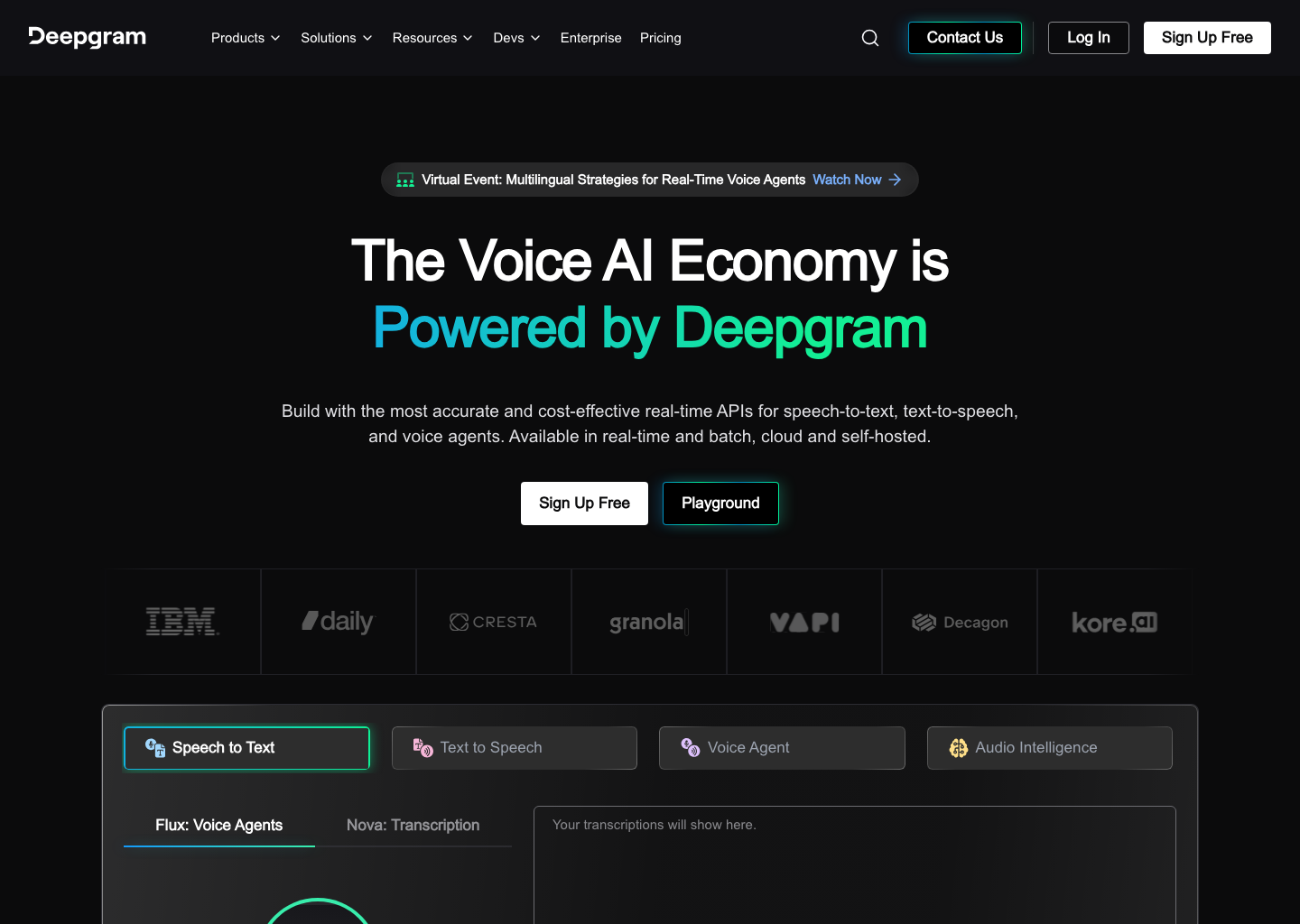
If you are building a product that needs speech-to-text rather than just using a SaaS meeting recorder, Deepgram is one of the most practical engines to shortlist.
Try Deepgram View tool profile
9. AssemblyAI
AssemblyAI goes beyond raw transcription into audio intelligence. In addition to speech-to-text, it offers diarization, summarization, topic analysis, and other structured signals that make transcripts more usable.
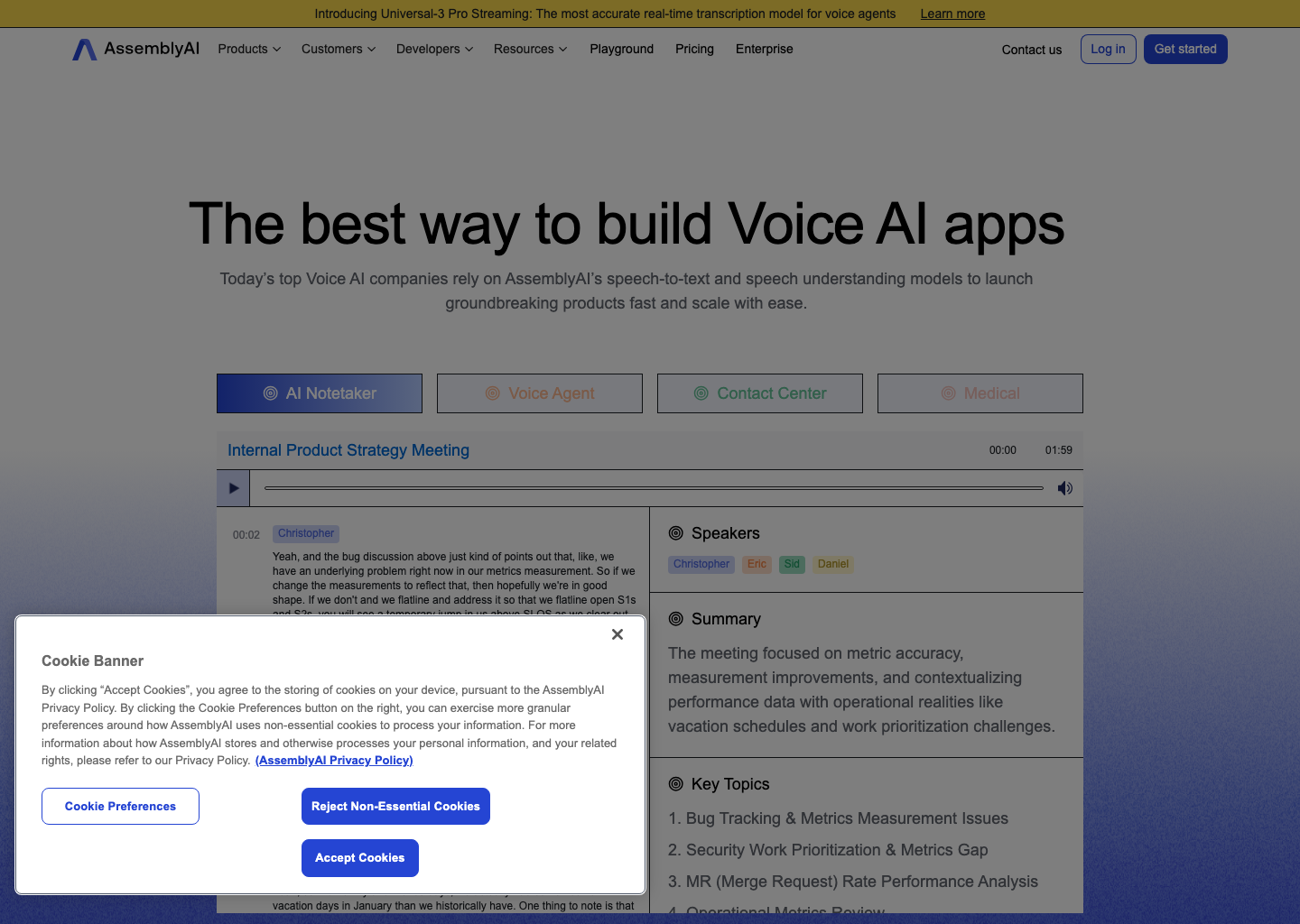
That makes it attractive for developers and teams building transcription into customer research, support analytics, or content workflows where the transcript is just the first layer.
Try AssemblyAI View tool profile
10. Speechmatics
Speechmatics deserves a place for teams that care deeply about transcription accuracy across accents, dialects, and global audio conditions. It is especially compelling where speech diversity and edge cases are a real challenge.
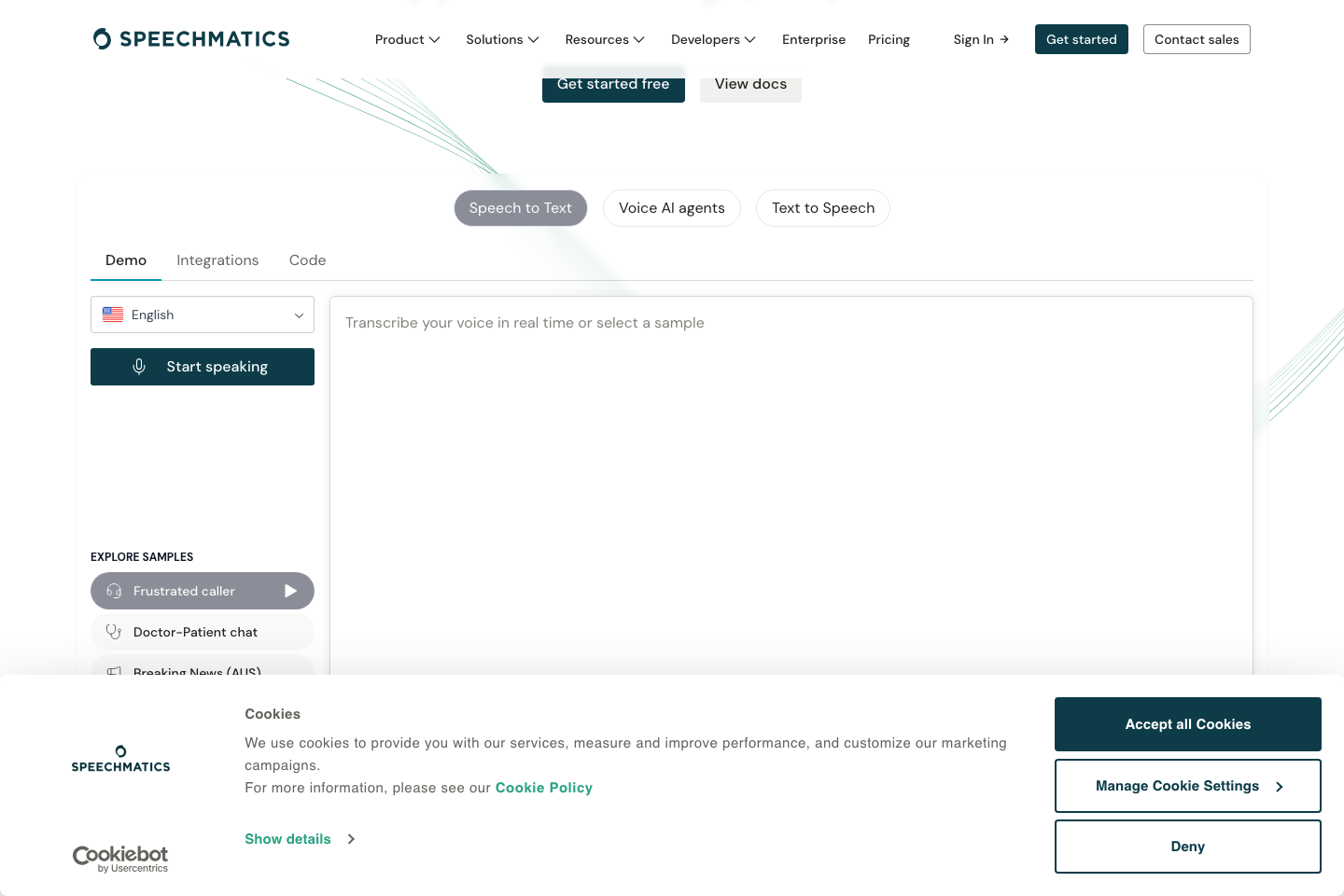
For enterprise transcription, accessibility use cases, and internationally varied audio, Speechmatics is one of the strongest options in the current dataset.
Try Speechmatics View tool profile
Which Tool Should You Choose?
If you want a fast everyday transcription app for calls, start with Otter.ai, Fathom, or Fireflies.ai. If you create spoken content, Descript is still the most workflow-changing option. If you need developer-grade speech-to-text infrastructure, look hard at Deepgram, AssemblyAI, and Speechmatics. And if language range matters most, Notta remains one of the safest bets.
The common thread across all 10 picks is simple: effortless transcription is rarely about the transcript alone. It is about how little work is left after the transcript appears.
🛠 Tools Mentioned in This Article
Questions readers also ask
How should readers evaluate AI tools?
The most useful evaluation approach is to compare output quality, workflow fit, consistency, and time saved.
Are AI tool comparisons worth reading before buying?
Yes. They help users avoid choosing products based only on hype or incomplete feature lists.
What matters most when choosing an AI tool?
The main factors are problem fit, quality, reliability, pricing, and how well the tool supports your existing workflow.